Best 10 ETL Tools for CRM Data Integration
If I had to cut this list down fast, I’d sort these 10 tools by three things: sync speed, price model, and how much setup my team can handle. That’s the whole buying decision in plain English.
Here’s the short version:
- If I want fixed pricing and low-code CRM pipelines, I’d look at Integrate.io.
- If I want hands-off warehouse loading, I’d start with Fivetran or Stitch.
- If I need near real-time or sub-second sync, I’d check Hevo, Stacksync, or Workato.
- If I need ETL plus BI in one product, I’d look at Domo.
- If I care about customer event data and Reverse ETL, I’d put Twilio Segment on the list.
- If I need deep control, governance, and many connectors, I’d look at Talend.
- If I want low-cost no-code sync, I’d start with Skyvia.
The article compares all 10 tools on the points that matter most for CRM data work: connectors, sync options, mapping and transforms, setup time, pricing, and team fit. It also calls out cost risks like usage-based billing, where updates, deletes, or backfills can push monthly spend up.
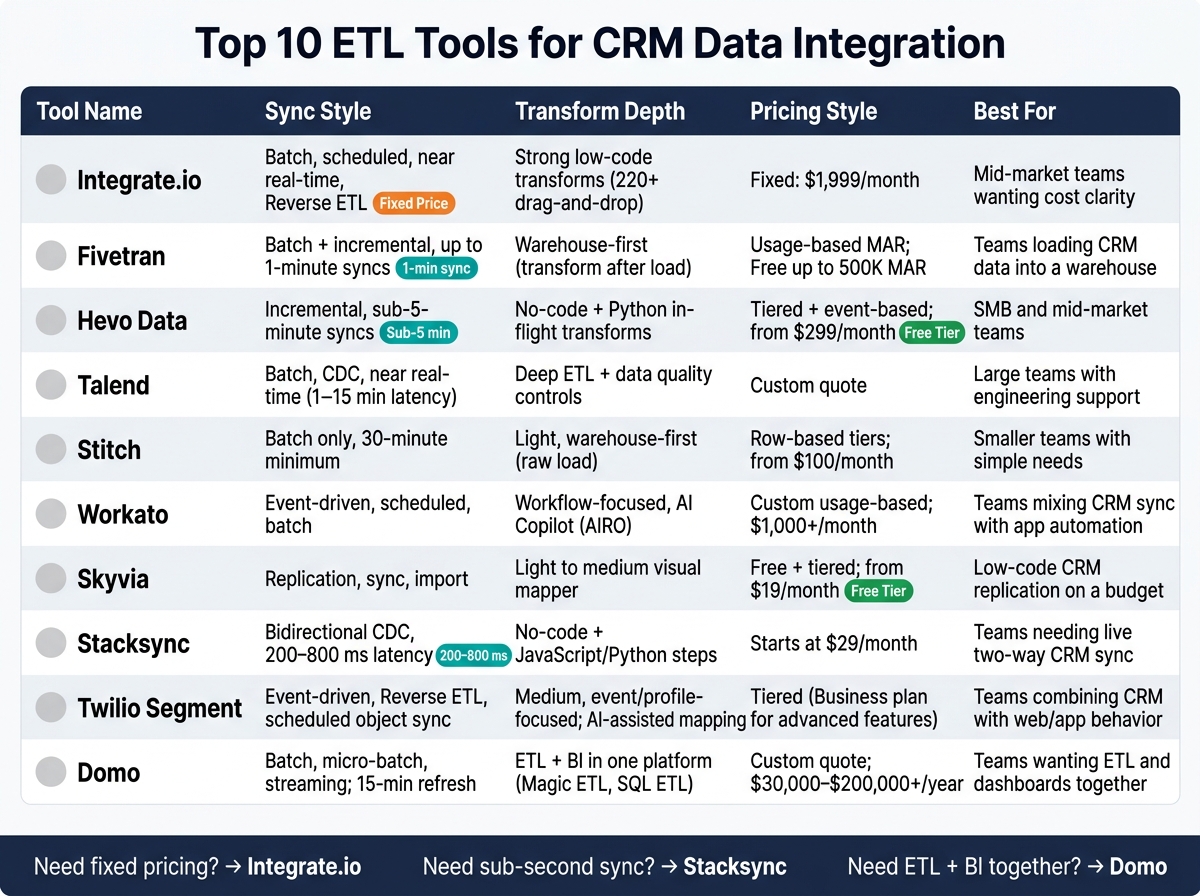
Top 10 ETL Tools for CRM Data Integration: Side-by-Side Comparison
Best Salesforce ETL Tools in 2026
sbb-itb-8aac02d
Quick Comparison
| Tool | Sync style | Transform depth | Pricing style | Best fit |
|---|---|---|---|---|
| Integrate.io | Batch, scheduled, near real-time, Reverse ETL | Strong low-code transforms | Fixed at $1,999/month | Mid-market teams that want cost clarity |
| Fivetran | Batch + incremental, up to 1-minute syncs | Warehouse-first | Usage-based MAR | Teams loading CRM data into a warehouse |
| Hevo Data | Incremental, as low as sub-5-minute syncs | No-code + Python | Tiered + event-based | SMB and mid-market teams |
| Talend | Batch, CDC, near real-time | Deep ETL and data quality controls | Custom quote | Large teams with engineering support |
| Stitch | Batch only, 30-minute minimum | Light, warehouse-first | Row-based tiers | Smaller teams with simple needs |
| Workato | Event-driven, scheduled, batch | Workflow-focused | Custom usage-based | Teams mixing CRM sync with app automation |
| Skyvia | Replication, sync, import | Light to medium | Free + tiered plans | Low-code CRM replication on a budget |
| Stacksync | Bidirectional CDC, about 200–800 ms | No-code + code steps | Starts at $29/month | Teams that need live two-way CRM sync |
| Twilio Segment | Event-driven, Reverse ETL, scheduled object sync | Medium, event/profile-focused | Tiered | Teams combining CRM with web/app data |
| Domo | Batch, micro-batch, streaming | ETL + BI in one place | Custom quote | Teams that want ETL and dashboards together |
My takeaway: most teams don’t need the “most powerful” tool. They need the one that fits their CRM, warehouse, reporting needs, and monthly budget without surprise overages. That’s what this list helps sort out.
1. Integrate.io
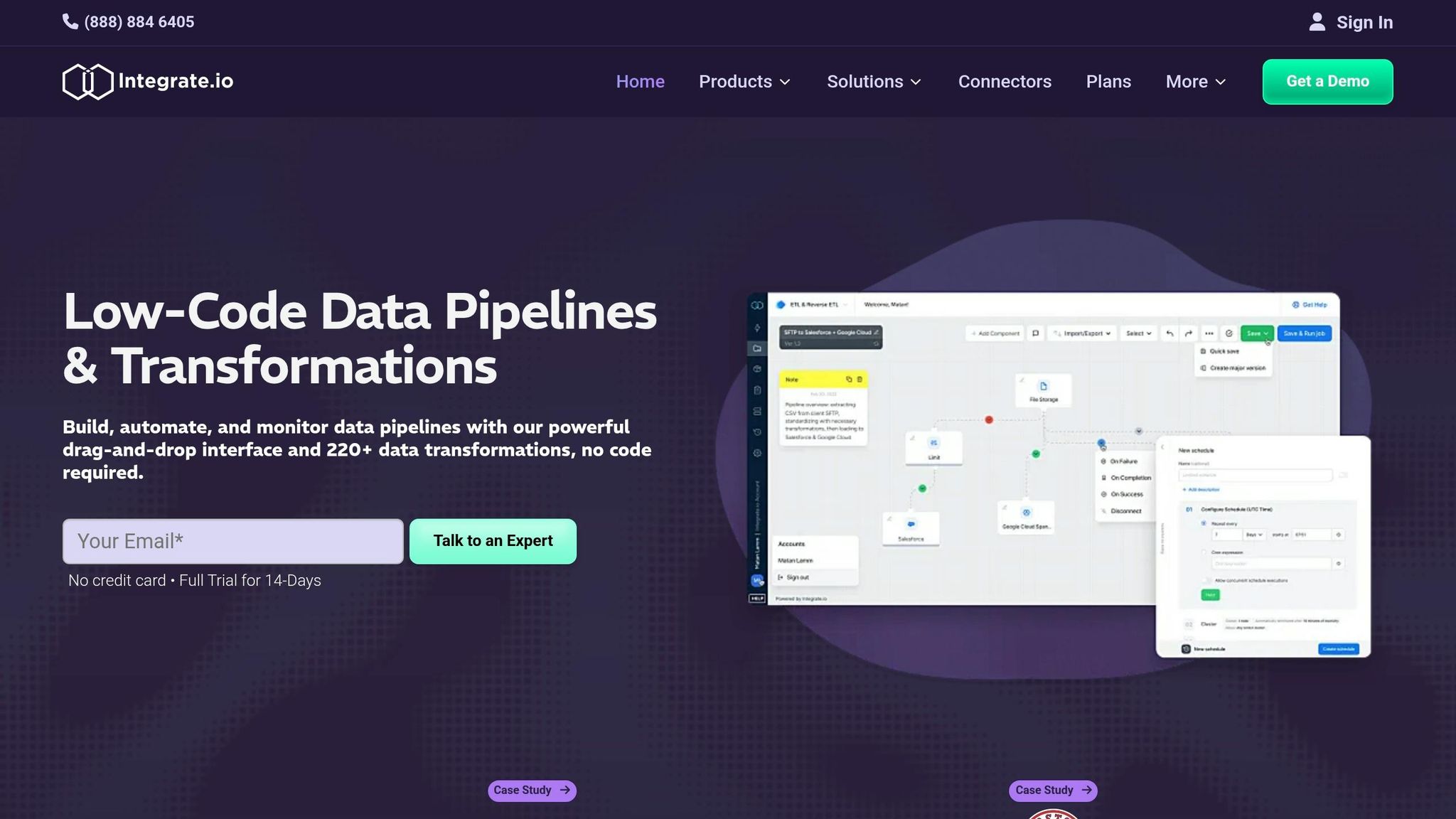
CRM Connectors
Integrate.io connects with major CRM platforms like Salesforce, HubSpot, and Microsoft Dynamics 365. It also sends data to warehouse destinations such as Snowflake and Google BigQuery, plus BI tools like Tableau.
If your app isn’t on the pre-built connector list, there’s a Universal REST API connector for any app with an API.
Sync Modes
Integrate.io supports batch, scheduled, near-real-time, and Reverse ETL syncs.
That gives teams a lot of room to choose how data moves. Need frequent updates? CDC can hit sub-60-second latency. Need to cut down on CRM API calls? Incremental loads can lower API usage by up to 90%.
Mapping and Transforms
The platform includes 220+ drag-and-drop transformations for mapping, deduplication, filtering, and validation. It also has auto-schema detection, which helps when CRM fields change over time.
That said, the transformation layer isn’t the best fit for teams that rely on complex, SQL-heavy logic.
Setup and Pricing
A first Salesforce pipeline can often be built in under 30 minutes using OAuth 2.0 authentication and a visual object selector. That’s a strong fit for teams that want to get moving fast instead of spending days on setup.
The Core Plan starts at $1,999/month and includes:
- Unlimited data volumes
- Unlimited pipelines
- Unlimited connectors
- 60-second sync frequency
It also comes with 30-day guided onboarding and a dedicated Solutions Engineer.
For teams with stricter security or infrastructure needs, Enterprise pricing is available. That tier covers things like HIPAA readiness, GPU support for AI/ML workloads, and added security controls.
Best for teams that want low-code CRM pipelines, fast setup, and Reverse ETL without heavy engineering.
Next is Fivetran, which leans more toward automated, managed CRM syncs.
2. Fivetran
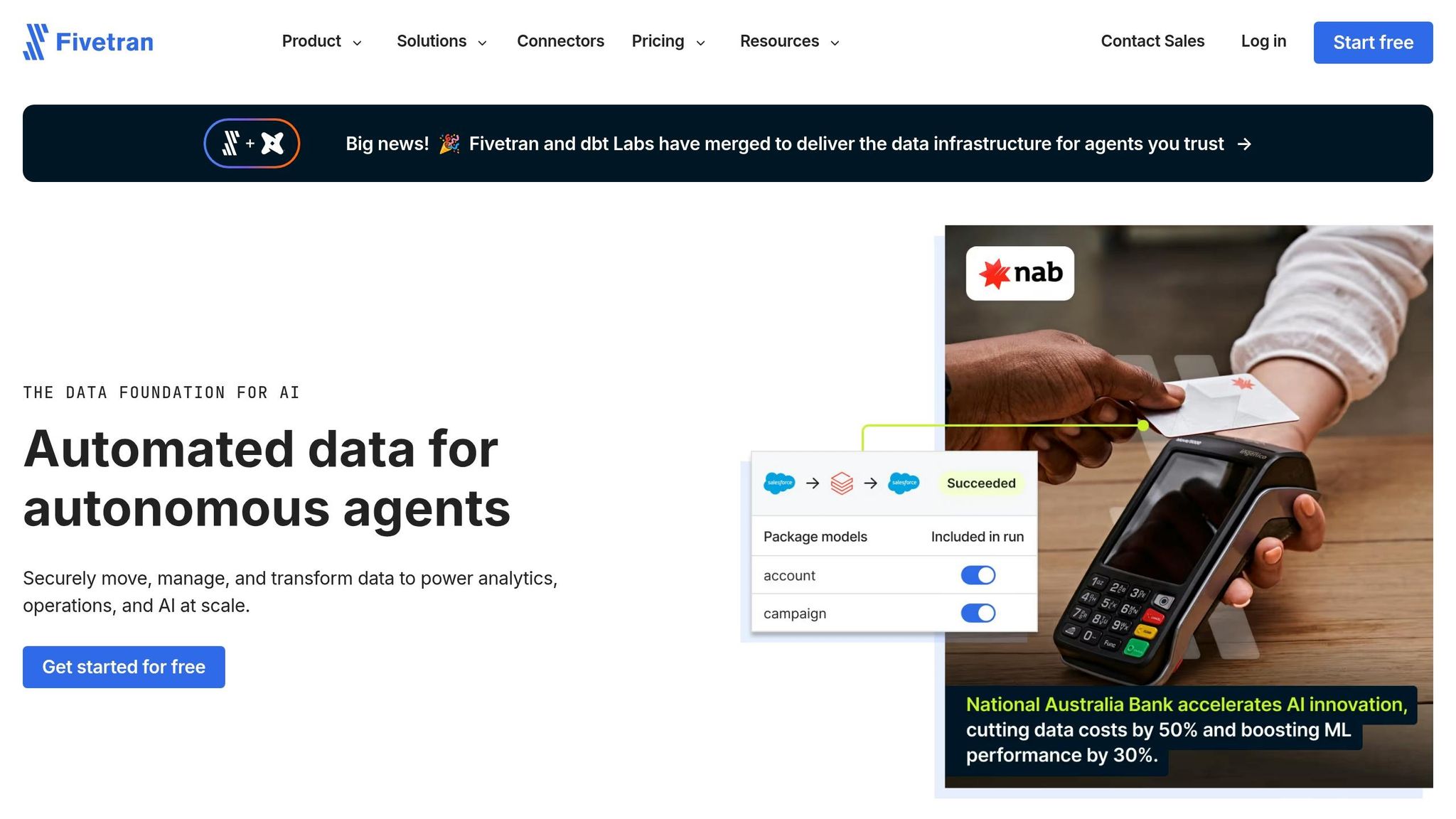
CRM Connectors
Fivetran supports 700+ pre-built connectors, including major CRMs like Salesforce, HubSpot, Pipedrive, and Zoho CRM. It also sends data to destinations like Snowflake and BigQuery.
That makes it a good fit for sales teams that already have a data warehouse and want to move CRM data into it without a lot of setup.
Sync Modes
Fivetran follows a load-first approach. On the first sync, it pulls in historical data. After that, it switches to incremental updates.
Sync timing depends on the plan:
- Free: every 6 hours
- Standard: every 15 minutes
- Enterprise / Business Critical: as often as every 1 minute for near real-time reporting
The first sync can take anywhere from hours to weeks, depending on data volume and API limits. Fivetran handles those API limits for you, which takes some pressure off the team.
Mapping and Transforms
One of Fivetran’s big selling points is automatic schema handling. If your team adds a custom field in Salesforce or HubSpot, Fivetran detects that change and updates the warehouse schema without manual work.
There’s one catch: Fivetran doesn’t transform data before loading it. The data lands in the warehouse first, and then transformation happens there, often through dbt. So if your team needs heavy cleanup or reshaping before data is loaded, you’ll need to handle that with a separate step.
Setup and Pricing
Setup is quick. In many cases, connectors can be live in minutes, and the platform is built to run without a dedicated data engineer. This accessibility allows teams to focus on leveraging marketing tools for sales reps to drive revenue rather than managing infrastructure.
Pricing is based on Monthly Active Rows (MAR), and that can get hard to predict as your CRM data grows. Any time a record changes, it counts toward MAR. That includes updates like a deal stage change or a status update. As of January 2026, deleted rows also count toward MAR, and each standard connection has a $5/month minimum.
| Plan | Sync Frequency | Pricing Basis |
|---|---|---|
| Free | 6 hours | $0 (up to 500,000 MAR) |
| Standard | 15 minutes | Usage-based (MAR) |
| Enterprise / Business Critical | 1 minute | Usage-based (MAR) |
The Free plan can work well for lower-volume teams if usage stays under 500,000 MAR per month. For teams that are growing, it’s smart to budget 20% to 30% above your first MAR estimate. High-activity CRM tables can create sync spikes, and those can push usage up fast.
Best for teams that want a steady CRM-to-warehouse pipeline and are fine handling transformation inside the warehouse.
Next, Hevo Data adds more built-in transformation and workflow control.
3. Hevo Data
CRM Connectors
Hevo comes with 150+ pre-built connectors for major CRM platforms like Salesforce, HubSpot, and Microsoft Dynamics CRM. On the destination side, it supports Snowflake, BigQuery, Redshift, and Databricks. It also plugs into sales and marketing tools like Google Ads, Stripe, and Shopify.
A nice detail here: Hevo handles HubSpot-specific behavior out of the box, including record merges, archives, and associations.
Sync Modes
Hevo loads newer records first and then fills in older historical data afterward. After that, it runs incremental syncs that pull only changed records, which helps cut API usage.
Sync speed depends on your plan:
- Free and Starter are limited to 1-hour sync intervals
- Professional and Business Critical support sub-5-minute syncs
If a sales team wants a more up-to-date view of pipeline activity, that gap matters.
Mapping and Transforms
Hevo can detect schema drift on its own. It also supports in-flight transforms through either a no-code drag-and-drop interface or Python scripts.
For heavier transformation work, it makes more sense to do that inside the warehouse. Hevo Activate also adds reverse ETL, so the platform can handle both warehouse ingestion and operational syncs.
There is one catch: you can’t edit an existing pipeline. If you need to make changes, you have to rebuild it.
Setup and Pricing
Standard connectors usually go live in about five minutes, and the no-code setup means analysts can often handle the work without bringing in a data engineer.
Hevo uses event-based pricing, so inserts, updates, and deletes all count as billable events. If your CRM tables change a lot, usage planning matters.
| Plan | Starting Price | Events Included | Notable Limits |
|---|---|---|---|
| Free | $0 | 1M events/mo | 50+ connectors only |
| Starter | $299/mo | 5M events/mo | All 150+ connectors, email support |
| Professional | $849/mo | 20M events/mo | Priority support, advanced transforms |
| Business Critical | Contact vendor | Custom | SSO, HIPAA compliance, dedicated support |
For mid-market teams staying under 20M events per month, Hevo is often 30–50% cheaper than Fivetran. Teams in fields like healthcare or fintech should pay close attention to the Business Critical plan if HIPAA support is on the checklist.
Next up is Talend, which leans more toward enterprise data workflows.
4. Talend
CRM Connectors
Talend comes with more than 1,000 pre-built connectors and components. For CRM and sales data, that includes Salesforce, HubSpot sales integration, Microsoft Dynamics 365, NetSuite, SAP, and Oracle.
That kind of range is a big plus if your data lives in a lot of places. The catch is setup. Talend is built more for data engineering teams than sales analysts, so it can feel heavy pretty fast if you don’t have IT or engineering support in place. It tends to fit best when a team has dedicated data engineers and multi-system CRM workflows to manage.
Sync Modes
Talend supports batch, scheduled, near real-time, and Change Data Capture (CDC) syncs. If you need fast lead routing or other day-to-day updates, near real-time or event-driven syncs can cut latency to about 1 to 15 minutes.
For large CRM datasets, incremental loads or change data capture are the smarter path. They help avoid API-limit spikes and request throttling. In plain English: Talend gives you a lot of control, but it leans more toward engineering-led reporting than quick self-serve CRM syncs.
Mapping and Transforms
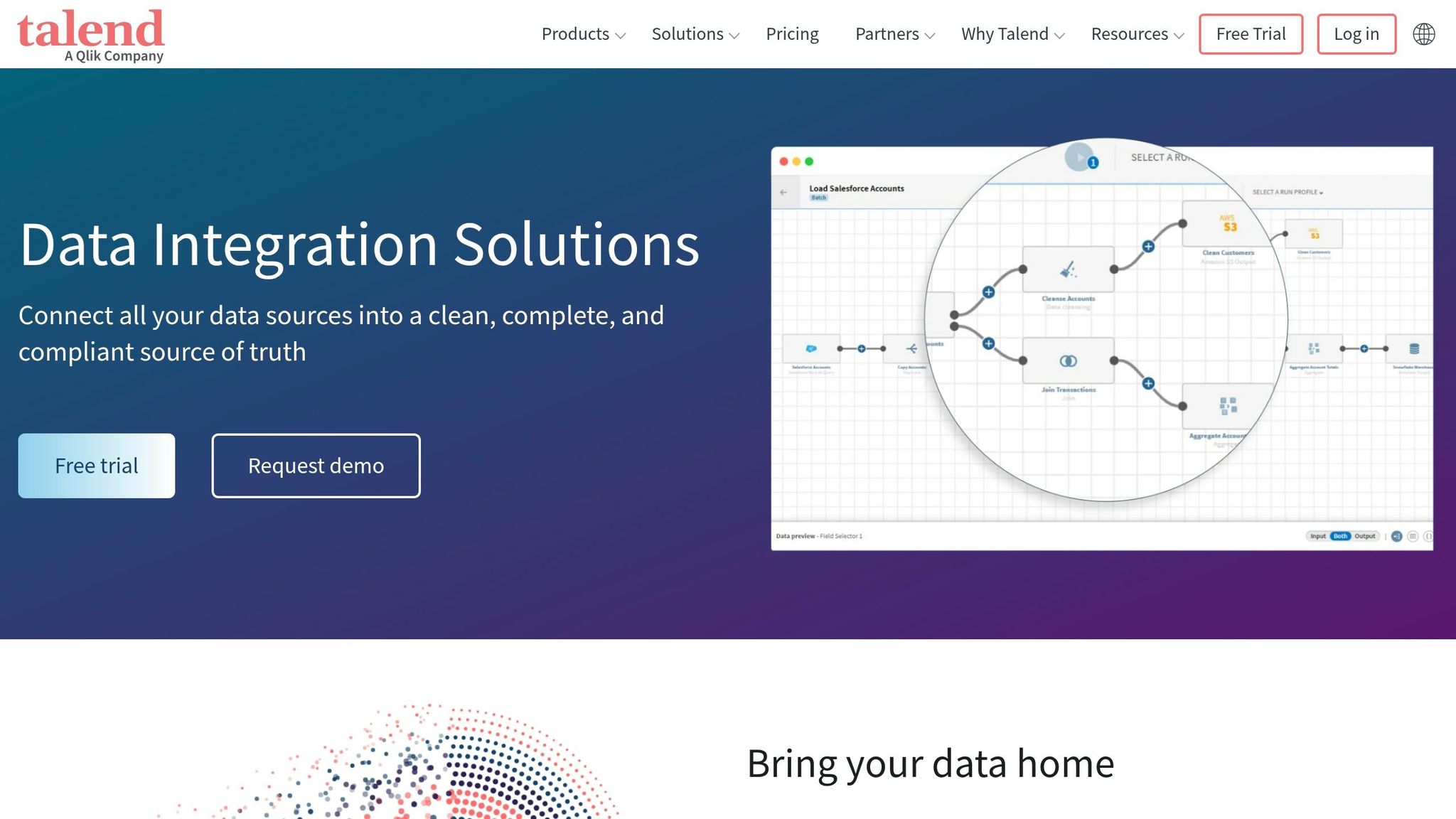
Talend Studio uses a drag-and-drop visual interface, and it generates Java or Scala code underneath. That gives teams a visual way to build flows without losing access to code-level control.
It can also work with nested JSON records, which matters when CRM data gets messy or includes more complex record structures. Built-in profiling and cleansing help catch duplicates before loading the data. In practice, Talend makes the most sense for teams that are comfortable running transformation and data quality checks as part of a larger workflow.
Setup and Pricing
Setup often takes weeks or months. Talend Open Studio is available as a free open-source version, but it comes with limited connectors and no enterprise support. Qlik Talend Cloud uses custom subscription pricing.
On G2, Talend has a 4.0/5 overall rating, with ease of use at 7.5/10 and support at 6.9/10. It’s a better match for enterprise teams that need deep connector coverage, data quality controls, and can handle a longer setup cycle.
5. Stitch
CRM Connectors
Stitch is a good fit for sales teams that want CRM data moved into a warehouse without a lot of setup. It comes with 140+ pre-built sources, including Salesforce, HubSpot, Zoho, and Pipedrive. On the destination side, it connects with Snowflake, Google BigQuery, Amazon Redshift, PostgreSQL, and Azure SQL.
If your source isn’t in that pre-built set, there’s still some room to work with. Teams can use the Singer open-source framework or the Stitch Import API. That said, Singer taps maintained by the community can be hit or miss, so it’s smart to check support status before putting one into production.
Sync Modes
Stitch makes the most sense when your team doesn’t need data updated minute by minute. It runs on batch syncs only, with a minimum sync interval of 30 minutes. There’s no CDC and no real-time sync.
It does use incremental replication, which means it moves only new or changed records instead of pulling everything again. That helps keep CRM API usage under control.
Mapping and Transforms
Stitch takes a pretty simple approach here: it loads raw data into your warehouse, detects schema changes on its own, and leaves the rest to your data stack.
So if you need business logic, deduplication, or custom field mapping, you’ll usually handle that later with SQL or dbt.
Setup and Pricing
Setup is one of Stitch’s strong points. Most teams can connect one CRM source to one warehouse destination in under 15 minutes, and the first batch of data usually lands in about 30 minutes.
Pricing is based on rows. Plans start at $100/month for 5 million rows and go up to $3,000/month, billed annually, for 1 billion rows. There’s also a 14-day free trial.
One thing to watch: full re-syncs and CRM tables with lots of changes can push costs up fast.
Next is Workato, which goes past warehouse loading and into broader workflow automation.
6. Workato
Workato is a good fit for teams that need CRM sync and cross-app automation in the same setup.
CRM Connectors
Workato offers 1,200+ connectors and strong CRM-to-app automation. It connects Salesforce, HubSpot, Microsoft Dynamics 365, and Pipedrive with warehouses like Snowflake, BigQuery, and Redshift, along with sales tools such as Slack and Microsoft Teams.
Sync Modes
Workato supports event-driven triggers, scheduled syncs, and bulk or batch actions for high-volume transfers. Its event-driven workflows can sync changes in near real time, which is handy for lead routing and fast CRM alerts. For larger Salesforce jobs, it can use Salesforce Bulk API v2 for more efficient extraction.
Scheduled workflows run on time-based intervals or Cron, with timing as frequent as every 15 minutes.
Mapping and Transforms
Workato’s recipe builder is visual and fairly easy to work with. AI Copilot, called AIRO, can draft workflows from plain-language prompts and suggest field mappings based on schema analysis. It can also detect schema drift and auto-sync new fields, which helps when CRM objects change over time.
There are a couple of limits worth noting. CSV parsing is capped at 50,000 records, and Lookup Tables are limited to 100,000 records. If your team does heavy deduplication or more involved field normalization at scale, those caps can become a pain.
Setup and Pricing
Setup usually takes weeks to months for complex enterprise integrations.
Pricing is custom and usage-based, and Workato does not publish list pricing. It generally requires a minimum spend of $1,000+/month, and while there is a free trial, there is no permanent free tier. In practice, that makes Workato a better match for workflow-heavy CRM operations than for lean, ETL-only use cases.
7. Skyvia
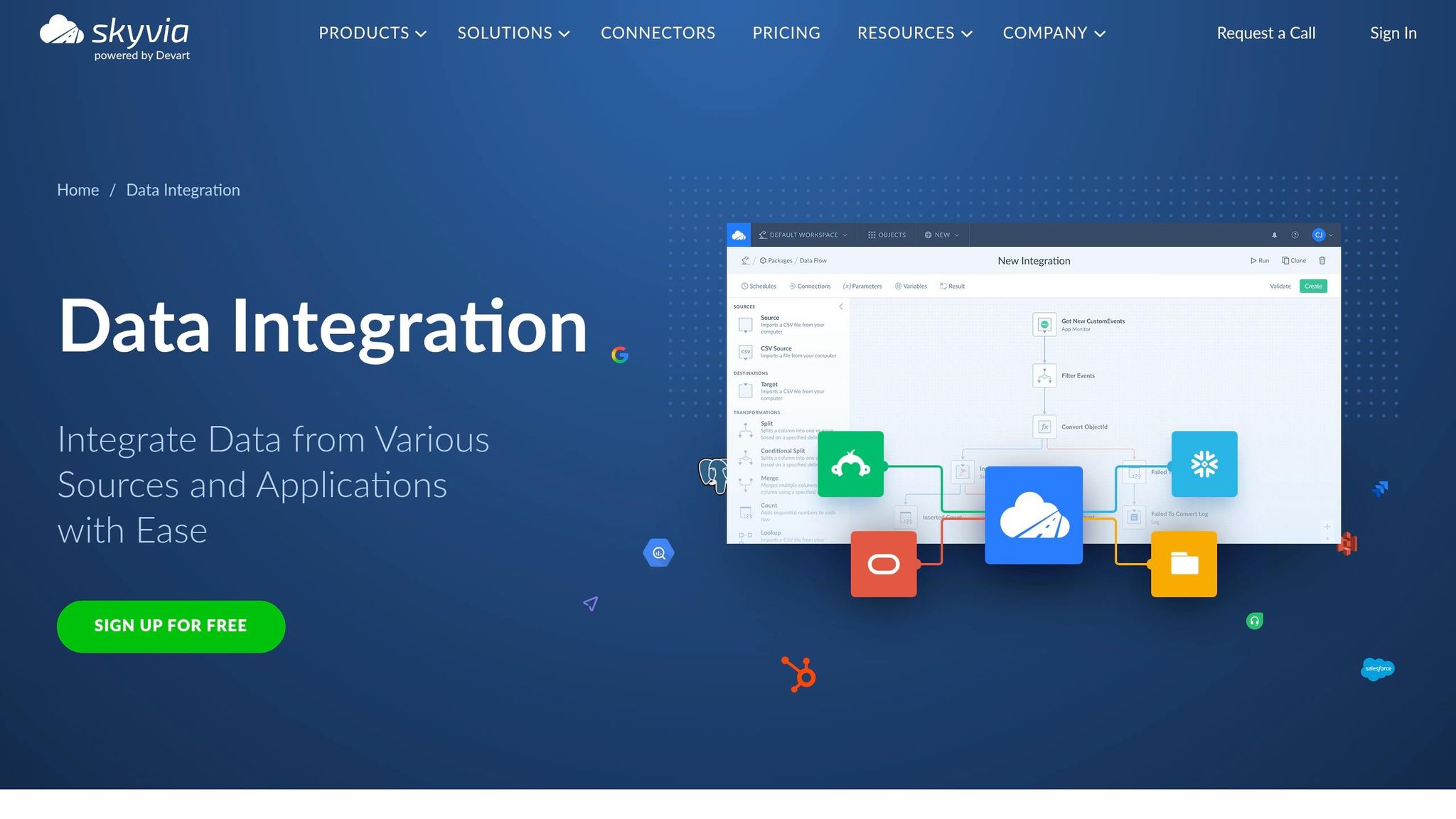
Skyvia is a good fit for mid-market sales teams that want low-code CRM syncs and simple warehouse replication.
CRM Connectors
Skyvia supports major CRM platforms, including Salesforce, HubSpot, Microsoft Dynamics 365, Zoho CRM, and Pipedrive. For warehouses, it connects to Snowflake, Google BigQuery, Amazon Redshift, Azure Synapse Analytics, and Databricks.
It also works with sales and marketing tools like Outreach, Gong, and Mailchimp. That matters because Skyvia isn’t just about having a long connector list. The main point is how it uses those connections for replication and app syncs.
Sync Modes
Skyvia focuses on three main modes: Replication, Synchronization, and Import.
- Replication sends raw CRM data into a warehouse for centralized reporting.
- Synchronization keeps two cloud apps aligned with bidirectional sync and conflict resolution.
- Import handles UPSERT operations for one-way migrations or CSV loads.
There is one limit to keep in mind: bidirectional sync works with cloud apps and relational databases, but not with warehouses like Snowflake or BigQuery.
Mapping and Transforms
After setup, Skyvia keeps the mapping layer pretty simple. Its visual mapper supports lookup mapping and expression-based transforms for strings, math, and date/time values.
If you need multi-step pipelines, you can use Data Flow. That said, the transformation layer is lighter than what you’d get in enterprise ETL suites.
Setup and Pricing
Most mid-market teams can get Skyvia live in 1–2 days. Pricing is modular and based on volume.
The free plan includes 10,000 records per month and up to 2 scheduled integrations. Paid plans start at $19/month for Data Integration and $29/month for Replication. The Professional plan costs $499/month, or $399/month billed annually, and includes unlimited integrations plus scheduling as often as once per minute.
If you go over your plan’s record cap, extra fees apply. Those charges range from $0.02 to $0.06 per 1,000 records.
Next is Stacksync, which is built for live CRM and system syncs.
8. Stacksync
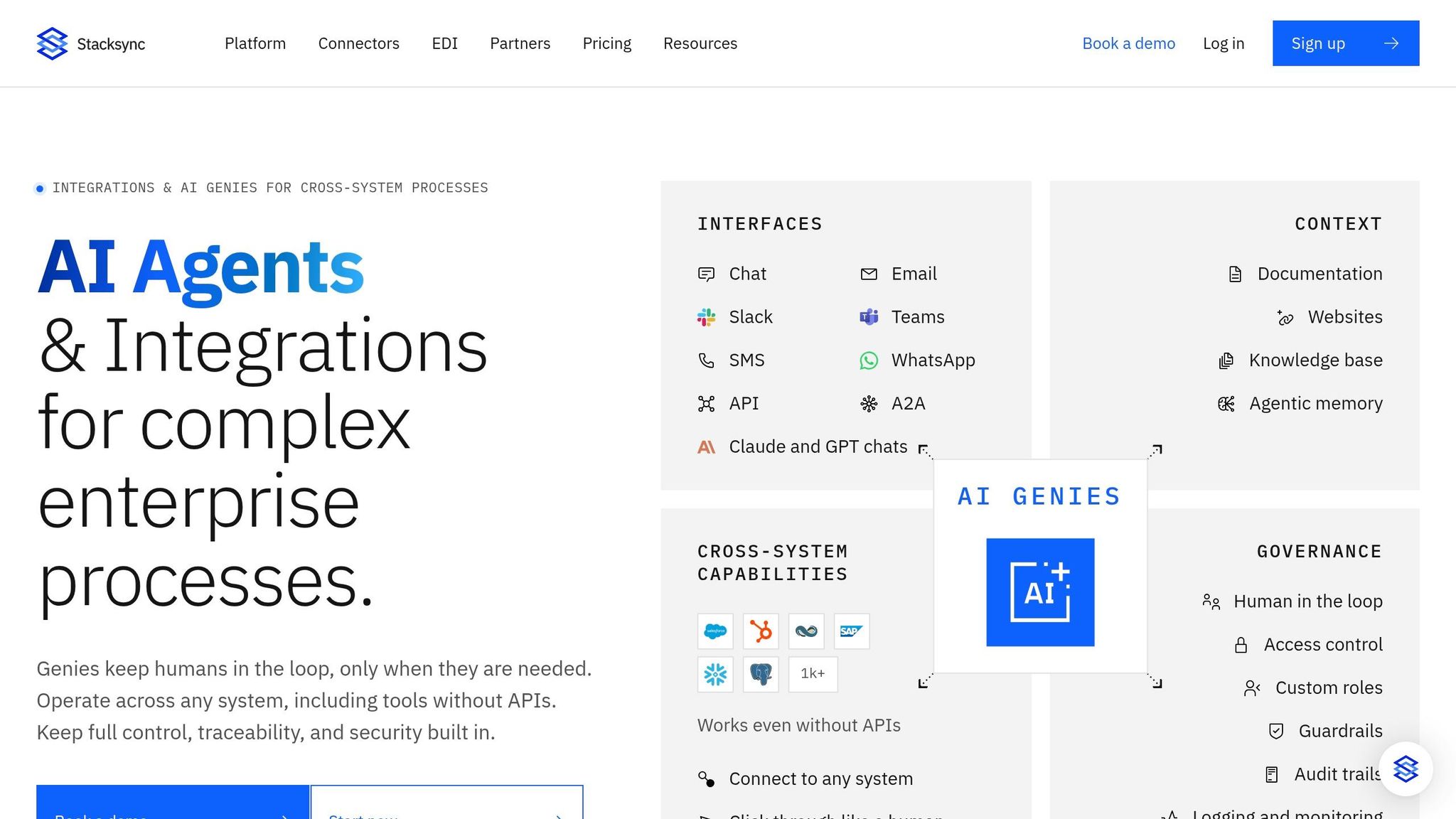
Stacksync is built for low-latency, bidirectional CRM sync between CRMs and warehouses. So if your CRM and warehouse data need to stay in lockstep all the time, it’s a stronger match than batch-first ETL tools.
CRM Connectors
Stacksync supports 200+ native connectors. For CRMs, that includes Salesforce, HubSpot, Microsoft Dynamics 365, Zoho CRM, Pipedrive, Attio, Copper, Close, Freshsales, and Insightly.
On the warehouse side, it connects to Snowflake, BigQuery, Databricks, Amazon Redshift, ClickHouse, and PostgreSQL. It also connects with RevOps tools like Outreach, Salesloft, and Apollo.io.
Sync Modes
Stacksync uses Change Data Capture (CDC) and webhooks to push updates in milliseconds, usually 200–800 milliseconds in steady state. When change events aren’t available, it falls back to polling, which adds 30 seconds to 5 minutes of latency.
The sync works both ways, so a change in either system can update the other on its own. That matters a lot when sales, ops, and analytics teams all touch the same records. Conflict handling is set per field, with options like last-write-wins, source-of-truth-wins, or manual review in a dashboard.
Mapping and Transforms
Stacksync includes a no-code visual mapper with drag-and-drop field mapping. Custom objects and fields in Salesforce, HubSpot, and Microsoft Dynamics show up in the mapper automatically, with no custom scripting needed.
It also supports common field-level transforms, including:
- Concatenation
- Splitting
- Lookups
If you need more control, you can add JavaScript or Python steps for advanced logic. Failed records go to a dead-letter queue, where you can inspect them, fix the issue, and replay them.
Setup and Pricing
Setup follows three steps – Connect, Choose Objects, Map Fields – and usually takes under five minutes. Pricing starts at $29/month.
Stacksync is also SOC 2 Type II, ISO 27001, HIPAA BAA, and GDPR compliant.
Next is Twilio Segment, which shifts from record sync to customer event data.
9. Twilio Segment
Twilio Segment moves beyond plain record sync and leans into event-driven customer data. The platform is built around customer events and identity resolution, which makes it a good fit for teams that want CRM data alongside web and app behavior in one place. On the CRM side, though, it works with a more limited set of native sources and Reverse ETL destinations.
CRM Connectors
Segment offers native “Object Cloud” sources for Salesforce and Salesforce Marketing Cloud. These sources automatically sync objects like Accounts, Leads, Opportunities, Contacts, and Campaigns into your warehouse. It also supports HubSpot for Reverse ETL.
Sync Modes
Sync timing depends on the mode you use:
| Sync Mode | Frequency | Best Use Case |
|---|---|---|
| Cloud Source (Salesforce) | Every 3 hours | Moving CRM objects into a warehouse for BI reporting |
| Reverse ETL | 15 min to 1 day | Pushing lead scores or LTV from a warehouse back to CRM or sales tools |
| Profiles Sync | Hourly | Syncing unified customer profiles to a data warehouse |
| Storage Actions | Minutes after a run completes | Writing audience or journey data to a warehouse |
Mapping and Transforms
Segment supports one-to-one field mapping for both standard and custom CRM fields right out of the box. With Selective Sync, teams can pick which Salesforce objects and properties to bring over, which helps cut API usage and keeps the warehouse from filling up with extra data.
For Reverse ETL, Suggested Mappings uses AI to propose destination fields during setup, so there’s less manual work involved. If you need more control, Functions lets developers use custom JavaScript to transform, enrich, or mask data while it moves through the pipeline.
One catch: deleted Salesforce records can stay in the warehouse and may need manual cleanup.
Setup and Pricing
Basic connections can be set up in a few minutes through the UI. More advanced features, including Unify for identity resolution, Engage for audiences and journeys, and Profiles Sync, usually require a Business-tier plan. Warehouse costs are separate.
Segment makes the most sense for mid-market teams that already use a data warehouse and want to put enriched customer profiles to work across CRM, marketing, and sales tools, not just pass raw records from one system to another.
10. Domo
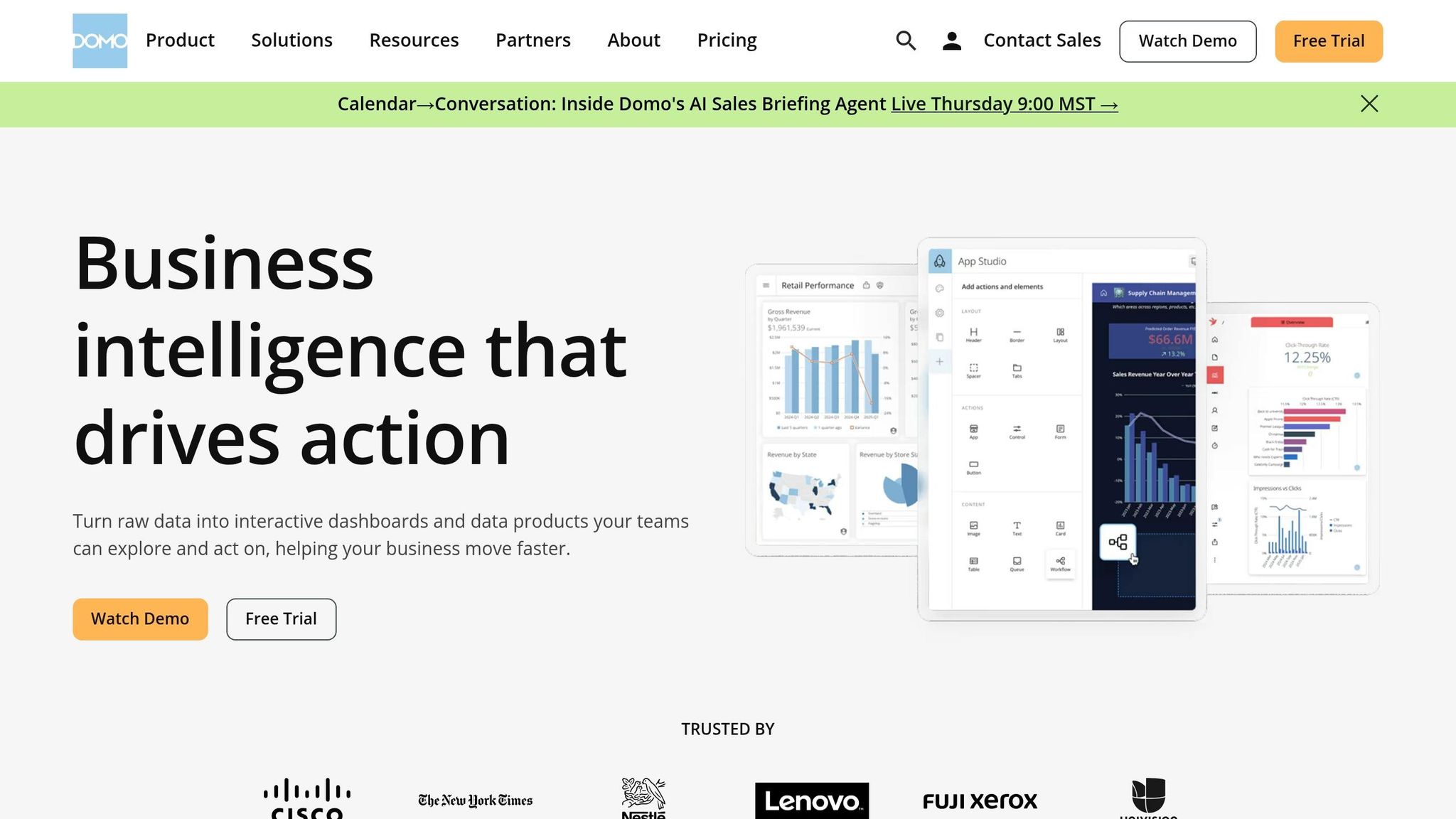
Domo goes beyond plain ETL. It combines ETL and BI in one platform, which gives sales teams a way to work with CRM data and revenue reporting in the same place.
CRM Connectors
Domo offers more than 1,000 pre-built connectors. That includes native integrations for Salesforce, HubSpot, Microsoft Dynamics 365, and Oracle NetSuite. It also connects with sales tools like Marketo, Eloqua, and Outreach.
On the data warehouse side, Domo supports:
- Snowflake
- Google BigQuery
- Amazon Redshift
- Databricks
- Amazon Athena
- PostgreSQL
The Salesforce connector supports Bulk API, bidirectional syncing, and history preservation. Domo also maintains and updates its connector library in-house, which helps cut down on breakage when third-party APIs change.
Writeback connectors can send enriched data back into systems like Salesforce, HubSpot, Outreach, Snowflake, and NetSuite.
Sync Modes
Connectors can refresh every 15 minutes, hourly, or daily. Domo also supports batch, micro-batch, and streaming ingestion. Smart Updates, its upsert feature, pulls in only changed records, which helps reduce load on source systems.
Workbench lets teams connect on-prem sources through encrypted, outbound-only links, so there’s no need to change VPN settings.
Mapping and Transforms
Domo includes Magic ETL, SQL ETL, and Jupyter Workspaces for Python or R. For update logic, it supports Replace, Append, Merge (Upsert), and Partition.
That setup works well for teams that want data transformation and reporting in the same stack instead of stitching together separate tools.
Setup and Pricing
Domo uses custom, usage-based pricing and doesn’t publish a list price, so mid-market teams need to request a quote. Annual contracts usually fall between $30,000 and $200,000+, depending on user count, data volume, and connector complexity.
User seats are split into Viewer, Privileged, and Admin roles. There’s also a free trial, which gives teams a way to test the platform with their own data.
Domo fits teams that want CRM data, BI, and ETL in one platform and have room in the budget for enterprise-level pricing.
Pros, Cons, and Best-Fit Picks
The table below turns the tool-by-tool breakdown into a short, usable shortlist. It helps you compare fit, cost, and sync style at a glance.
| Tool | Pros | Cons | Pricing Style | Best For |
|---|---|---|---|---|
| Integrate.io | Low-code, fixed fee, Reverse ETL included, white-glove support | Deep ML logic may need external engines | Fixed fee ($1,999/mo) | Mid-market RevOps needing predictable costs |
| Fivetran | Fully managed ingestion, 500+ connectors, automated schema migration | Unpredictable MAR costs, limited pre-load transforms | Usage-based (MAR) | Analytics-first teams wanting hands-off ingestion |
| Hevo Data | Real-time sync, no-code, budget-friendly entry point | Has fewer connectors than Fivetran | Tiered + usage | SMBs needing real-time CRM updates |
| Talend | Strong governance, built-in data quality and stewardship | Heavy operational footprint, steep learning curve | Custom quote | Regulated industries with complex hybrid estates |
| Stitch | Simple setup, low overhead for modest volumes | Limited transform depth, has fewer connectors than Fivetran | Usage-based tiers | Small teams starting their analytics journey |
| Workato | Event-driven, bidirectional app workflows, built for automation-heavy workflows | Not built for bulk ETL, hard to estimate usage units | Usage-based | Operational automation and lead routing |
| Skyvia | Affordable, no-code, includes CRM backup and restore | Batch-only (no real-time), limited transformation depth | Tiered pricing (Free–$399+) | SMBs needing simple sync and data safety |
| Stacksync | Sub-second real-time bidirectional sync | Starts around $1,000/month, technical setup required | Subscription | Real-time ERP/CRM operational consistency |
| Twilio Segment | Event-driven identity resolution, AI-assisted Reverse ETL mapping, selective sync reduces API usage | Limited native CRM sources, deleted records may need manual cleanup | Tiered pricing | Mid-market teams enriching CRM with web and app behavior |
| Domo | ETL and BI in one platform, 1,000+ connectors, bidirectional Salesforce sync | Custom pricing, annual contracts typically $30,000–$200,000+ | Custom quote | Enterprise teams wanting CRM data, BI, and ETL in one stack |
The trade-offs are pretty clear. Pick based on sync speed, transformation depth, and what your team can spend without surprises.
If reverse ETL and bidirectional sync sit at the top of your list, start with Integrate.io, Workato, or Stacksync.
Conclusion
Start with the basics: connector coverage, sync latency, transform depth, team skill, and how easy the price is to predict. Once you do that, the field usually shrinks to three paths: managed ingestion, no-code sync, or workflow automation.
If you don’t have dedicated data engineers, go with tools that are easy to run and come with guided setup. Pre-load transforms make sense only when warehouse modeling can’t do the job on its own. Pricing matters too. Usage-based plans can jump after backfills and deletes, which makes budgeting a headache. Fixed-fee or tiered plans are usually easier to forecast. Historical syncs, updates, and deletes can also push total cost up fast.
Before you sign off on anything, run a 14-day test with live data from your top three sources. That gives you a clear read on actual CDC latency and how the tool handles schema drift. From there, choose the option that fits your CRM sources, sync needs, and budget stability.
FAQs
How do I choose the right ETL tool for my CRM stack?
Choose based on your team’s technical skill, latency needs, and budget. It also helps to look closely at how each tool works with your CRM object models, API rate limits, and schema changes.
If you want a managed setup with less hands-on work, Fivetran or Hevo are strong picks. If you prefer no-code workflows and more predictable pricing, Integrate.io or Skyvia may be a better match. And if you need near real-time streaming or stricter enterprise governance, take a look at Estuary, Informatica, or Talend.
What pricing model is easiest to budget for?
Flat-fee or subscription-based pricing is usually the easiest to budget for because the cost is more predictable.
Unlike usage-based models tied to Monthly Active Rows or data consumption, these fixed pricing setups make long-term planning easier and help you avoid surprise charges as data volume grows.
Do I need real-time sync or is batch enough?
It depends on your use case.
Use near-real-time sync or CDC for day-to-day needs that depend on fast updates. That includes tracking live sales funnels, keeping customer 360 views up to date, or triggering actions right away.
Hourly or daily batch processing is often the lower-cost option for analytics, reporting, and high-volume staging when you don’t need sub-minute latency. A lot of teams split the job: CDC for high-priority objects like leads and deals, and batch for more static reference data.

