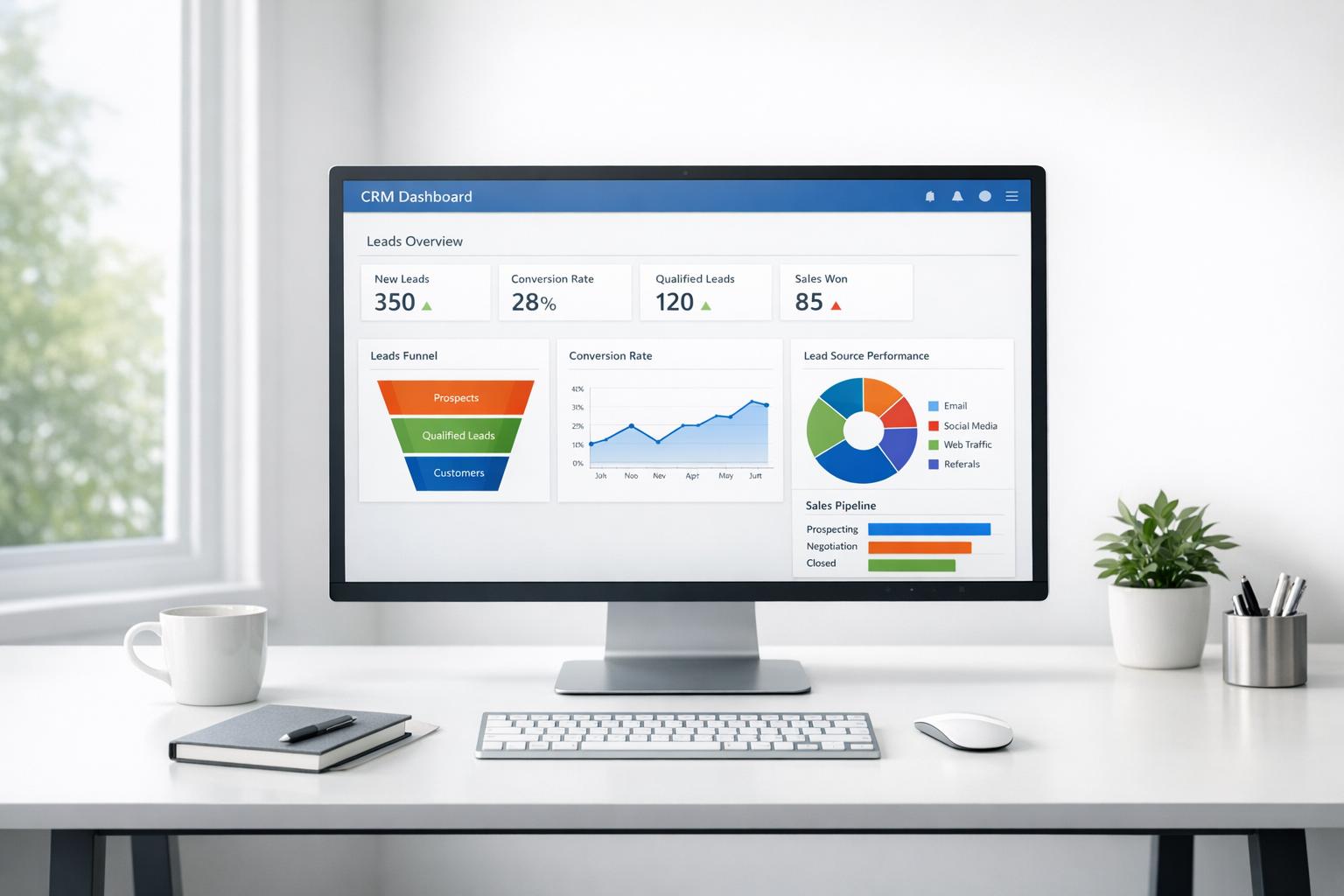
The best pipeline management tools in 2026 are HubSpot, Pipedrive, Salesforce, Zoho CRM, and Monday.com, each suited to a different type of sales team and process. Choosing the right one matters because how you manage your pipeline often determines whether opportunities move forward or get lost.
Most sales teams don’t struggle because they lack leads. They struggle because deals are not managed consistently once they enter the funnel. That is where the best pipeline management tools come in. These tools give structure to your sales process, helping you track every opportunity, prioritize the right leads, and ensure that follow-ups happen at the right time instead of slipping through the cracks.
In many businesses, the challenge is not visibility but consistency. Leads come in from different channels, conversations happen across email or chat, and follow-ups are often delayed or missed entirely. Over time, this creates gaps in the pipeline where opportunities are either forgotten or not fully pursued.
As sales cycles become more competitive, having a clear and reliable pipeline is no longer optional. Research on modern sales processes shows that teams with structured pipelines tend to close deals more consistently, especially when follow-ups and tracking are standardized.
Understanding how a pipeline is structured and managed in practice can make a significant difference, particularly when building a system that your team can follow consistently.
The tools below stand out not just for their features, but for how they perform in real-world sales environments.
Quick Rundown
- HubSpot CRM – Best overall for combining pipeline tracking, automation, and customer activity in one system.
- Pipedrive – Best for simple, action-focused pipeline management
- Salesforce – Best for large teams needing scalability and deeper customization
- Zoho CRM – Best for affordable automation and growing businesses
- Monday.com – Best for flexible workflows beyond traditional CRM
1. HubSpot CRM
This platform stands out for how naturally it connects pipeline management with marketing and customer data. Instead of treating deals as isolated entries, it builds a full timeline around each contact.
In practice, this means a sales rep can see email opens, page visits, past conversations, and deal activity in one place. This context makes follow-ups more relevant and timely.
For example, if a lead revisits your pricing page after a week of silence, HubSpot surfaces that activity. A rep can step in at the right moment instead of sending generic follow-ups.
Its automation is also practical rather than overwhelming. Tasks, deal assignments, and stage movements can be triggered based on real behavior, not just manual updates.
Where it quietly pulls ahead is consistency. Teams tend to actually use it daily because it reduces friction instead of adding more steps.
You can get started with HubSpot CRM for free here.
How it works in pipeline management
HubSpot uses a visual pipeline where deals move across customizable stages such as new lead, qualified, proposal, and closed. What makes it effective is that movement between stages can be automated based on actions. For example, when a lead replies to an email or books a meeting, the deal can automatically progress. At the same time, all activity is logged under the deal, giving full visibility without manual tracking.
2. Pipedrive
Pipedrive focuses purely on pipeline visibility and execution. The interface is simple, with deals moving across stages in a drag-and-drop layout.
It works well for teams that want clarity without complexity. Every deal is tied to an activity, which ensures that sales reps always know the next step.
For instance, if no activity is scheduled, the system flags the deal. This prevents opportunities from sitting idle.
However, it relies more on manual input compared to more automated platforms. It is strong in tracking, but less in connecting broader customer behavior.
How it works in pipeline management
Pipedrive is built around activity-based selling. Each deal sits inside a pipeline stage, but progress depends on scheduled actions like calls, meetings, or emails. The system highlights deals with no upcoming activity, pushing reps to take action. This creates a disciplined workflow where every deal must have a next step, reducing stagnation in the pipeline.
For teams that want this same activity-based discipline with broader automation built in, HubSpot CRM covers both without requiring a separate tool.
3. Salesforce
Salesforce is built for scale and complexity. It allows businesses to design highly customized pipelines based on different products, teams, or regions.
This is useful for organizations with layered sales processes. For example, enterprise deals, renewals, and partnerships can all have separate pipelines with different rules.
The trade-off is setup and maintenance. It often requires time, resources, and training to fully utilize its capabilities.
It excels in flexibility and reporting, but may feel heavy for smaller teams. Teams that need deep customization without the implementation overhead sometimes find HubSpot CRM a useful middle ground before committing to Salesforce's setup requirements.
How it works in pipeline management
Salesforce allows teams to create multiple pipelines with custom stages, rules, and automation. Each stage can trigger workflows such as approvals, notifications, or task assignments. For example, when a deal enters the negotiation stage, it can require manager approval or generate a forecast update. This structured approach makes it ideal for managing complex and multi-step sales processes.
4. Zoho CRM
Zoho CRM offers a balanced option for businesses that want automation without high costs.
It includes workflow automation, deal tracking, and analytics that help teams manage pipelines more efficiently.
For example, when a deal reaches a certain stage, Zoho can automatically assign tasks or notify team members. This helps maintain momentum without constant manual updates.
While it is feature-rich, the interface can feel less intuitive compared to simpler tools. HubSpot CRM offers comparable automation at the starter level, and may be worth comparing directly if ease of use is also a priority.
How it works in pipeline management
Zoho uses stage-based pipelines combined with workflow automation. Deals move through defined stages, and each transition can trigger actions like sending emails, assigning follow-ups, or updating deal scores. This helps standardize how deals are handled, ensuring that every opportunity follows a consistent process.
5. Monday.com
Monday.com approaches pipeline management differently. Instead of a traditional CRM structure, it allows teams to build custom workflows that match their process.
This is particularly useful for businesses that combine sales with project execution.
For example, once a deal is closed, it can immediately move into a delivery workflow within the same board. This reduces handoff delays between teams.
However, it may require more setup to function as a full pipeline system compared to dedicated CRMs. Teams looking for that same flexibility with a more traditional CRM structure already built in may find HubSpot CRM a closer fit out of the box.
How it works in pipeline management
Monday.com uses customizable boards where each deal is tracked as an item moving across stages. Teams can define their own pipeline structure and automate transitions, notifications, and task assignments. For example, when a deal is marked as won, it can automatically create a project board and assign tasks to the delivery team, linking sales directly to execution.
Comparison of the Best Pipeline Management Tools
| Tool | Ease of Use | Automation | Strength | Limitation |
|---|---|---|---|---|
| HubSpot CRM | High | High | Unified customer view with real-time activity tracking | Advanced features may require upgrades |
| Pipedrive | Very High | Medium | Simple and action-focused pipeline tracking | Limited behavioral insights |
| Salesforce | Medium | High | Deep customization and scalability | Complex setup and maintenance |
| Zoho CRM | Medium | High | Strong automation at lower cost | Interface can feel less intuitive |
| Monday.com | Medium | Medium | Flexible workflows beyond sales | Not a traditional CRM out of the box |
How to Choose the Best Pipeline Management Tool
Choosing the right pipeline management tool depends on how your sales process actually works day to day. A platform may look powerful on paper, but if it does not match your workflow, your team will not use it consistently. If you want a deeper breakdown of what to look for, this guide on choosing the right pipeline management software can help clarify the key differences.
For businesses that rely heavily on inbound leads and marketing campaigns, having visibility into customer behavior becomes important. A platform like HubSpot CRM naturally brings this together by connecting marketing activity directly to your pipeline. This allows teams to prioritize leads based on real engagement instead of guesswork.
Teams focused on outbound sales and fast execution often benefit from a simpler system like Pipedrive. Its activity-based approach ensures that every deal has a clear next step, helping maintain momentum across the pipeline.
Larger organizations with multiple teams, products, or regions typically need more flexibility. In these cases, Salesforce provides the ability to build customized pipelines that reflect more complex sales processes.
Budget and scalability should also be considered. Tools like Zoho CRM offer strong automation at a lower cost, while Monday.com works well for teams that want a flexible system that connects sales with project execution.
In many cases, the most effective setup is one that combines visibility, automation, and ease of use without adding extra complexity. Tools that bring these elements together tend to be adopted more consistently, which ultimately has a bigger impact than feature depth alone.
FAQ
What is a pipeline management tool?
A pipeline management tool is software that helps businesses track and manage sales opportunities from initial contact to closing. It shows where each deal stands and what actions are needed next.
Which pipeline management tool is best for small businesses?
For small businesses, HubSpot CRM is often a strong choice because it combines ease of use, automation, and marketing integration in one platform.
How does HubSpot improve pipeline management for growing businesses?
HubSpot improves pipeline management by combining deal tracking, customer activity, and automation in one system. Instead of manually updating deals or guessing when to follow up, teams can see real-time engagement such as email opens, page visits, and past interactions. This allows sales reps to prioritize the right opportunities, automate routine tasks, and move deals forward more consistently without adding extra complexity.
How do pipeline management tools improve sales performance?
They improve performance by providing visibility, automating follow-ups, and ensuring no deal is forgotten. This leads to faster response times and more consistent conversions.
What is the difference between a CRM and a pipeline management tool?
A pipeline management tool focuses on tracking deals and stages, while a CRM manages the entire customer relationship, including contacts, communication, and history. Many modern tools combine both functions — HubSpot CRM, for example, manages the full customer relationship while also providing a visual pipeline with automated stage progression.
Are pipeline management tools worth it for small teams?
Yes. Even small teams benefit from structure and automation. Without a system, it is easy to miss follow-ups or lose track of opportunities.
Final Thoughts
The best pipeline management tools are no longer just about tracking deals on a board. They are about creating a system that helps teams stay consistent, act at the right time, and move opportunities forward. Applying proven sales pipeline management best practices alongside the right tool makes this even more effective.
Each tool on this list solves a different part of the problem. Some focus on simplicity and execution, making it easier for sales teams to stay disciplined. Others provide deep customization for businesses with more complex structures. Some platforms prioritize flexibility, allowing teams to adapt their pipeline as their processes evolve.
What separates the most effective tools from the rest is how well they bring everything together. Research on sales productivity consistently shows that teams with clear processes and automation perform better than those relying on manual tracking.
This is where platforms like HubSpot CRM tend to stand out in everyday use. By combining pipeline management with customer activity and automation, it becomes easier for teams to prioritize the right deals and follow through consistently without adding extra steps.
At the end of the day, the best tool is the one your team actually uses. A well-adopted system that fits your workflow will always outperform a more powerful platform that feels difficult to maintain. If you are looking for a tool that brings everything together without adding unnecessary complexity, it may be worth trying HubSpot CRM for free and seeing how it fits into your sales process.