Sales teams lose valuable time on repetitive tasks like data entry and lead tracking, which hinders their ability to close deals. CRM integrations solve this problem by automating workflows, reducing errors, and providing centralized visibility. This article highlights seven CRM integrations that can simplify sales processes, improve lead management, and boost efficiency. Here's a quick overview of the tools covered:
- Apollo: AI-powered sales intelligence for accurate lead data.
- HubSpot: Unified platform for managing sales, marketing, and customer service.
- Pipedrive: Visual pipeline management with automation features.
- Octopus CRM: LinkedIn outreach automation for better prospecting.
- Mails AI: Email automation with personalization tools.
- Instantly: Focused on cold email campaigns and lead warming.
- Dripify: Automates LinkedIn tasks and improves ecommerce workflows.
Key takeaway: Choose the right CRM integration by assessing compatibility with your current tools, ease of use, and scalability for future growth. The right solution will save time and help your team focus on closing deals instead of administrative tasks.
Quick Comparison
| Integration | Automation Features | Lead Management | US Localization | Reporting Tools |
|---|---|---|---|---|
| Apollo | Email sequences, task automation | Data enrichment, lead scoring | US formatting support | Pipeline tracking, ROI dashboards |
| HubSpot | Workflow automation, email campaigns | Lead nurturing, lifecycle tracking | US time zones, currency, compliance | Custom reports, sales forecasting |
| Pipedrive | Deal progression triggers | Visual pipeline, segmentation | US formats | Sales metrics, team reports |
| Octopus CRM | LinkedIn outreach automation | LinkedIn contact import, enrichment | US business hours | LinkedIn campaign analytics |
| Mails AI | AI email personalization | Engagement scoring | US delivery times | Email performance metrics |
| Instantly | Drip campaigns, reply detection | Lead warming | CAN-SPAM compliance | Campaign deliverability reports |
| Dripify | LinkedIn automation workflows | Campaign segmentation | US dollar formatting | Engagement analytics |
This guide will help you find the best CRM integration to optimize your sales process and focus more on building relationships.
Best CRM Software | Top 5 Excellent Options! (2025)
Why CRM Integrations Matter for Sales Teams
Sales teams in the United States often find themselves bogged down by time-consuming administrative tasks and manual data entry. Picture this: a salesperson spends hours transferring lead details from LinkedIn into their CRM, copying email addresses into outreach tools, and manually updating deal stages. Not only does this eat into valuable selling time, but it also opens the door to errors. Managing multiple tools without integration adds to the chaos, making it harder to focus on what really matters - building relationships and closing deals.
The problem gets worse when systems are fragmented. Many teams rely on separate tools for prospecting, email campaigns, social media outreach, and tracking deals. Without integration, these tools don’t communicate, leaving leads stranded in silos. For instance, a promising prospect met at an event might go uncontacted simply because their details are stuck in a different platform. Delayed follow-ups and missed opportunities become inevitable.
Repetitive manual tasks and disjointed workflows don’t just drain productivity - they can also cost sales teams potential revenue.
Timezone management adds another layer of difficulty, especially for teams working across regions or engaging with international prospects. Without automated scheduling tools, sales reps risk reaching out at the wrong times, missing crucial opportunities to connect with leads when they’re most likely to engage.
This is where CRM integrations come in. By streamlining data flow between tools, they eliminate inefficiencies and create a more cohesive sales process. For example, imagine a prospecting tool automatically transferring qualified leads into your CRM, which then triggers personalized email sequences and schedules follow-up tasks. Instead of juggling multiple platforms, your team can focus on meaningful conversations and closing deals.
Another major advantage of CRM integrations is centralized visibility. When all your tools share data, managers can easily track which campaigns are driving quality leads, monitor conversion rates across channels, and quickly spot bottlenecks in the sales funnel. For sales reps, having all prospect information in one place means less time switching between apps and more time engaging with leads.
Modern CRM integrations also bring powerful automation to the table. Tasks like lead scoring, sending follow-up emails, and updating deal stages can be automated based on engagement data and customer behavior. This not only saves time but also ensures data accuracy, making your sales process smoother and more reliable.
1. Apollo
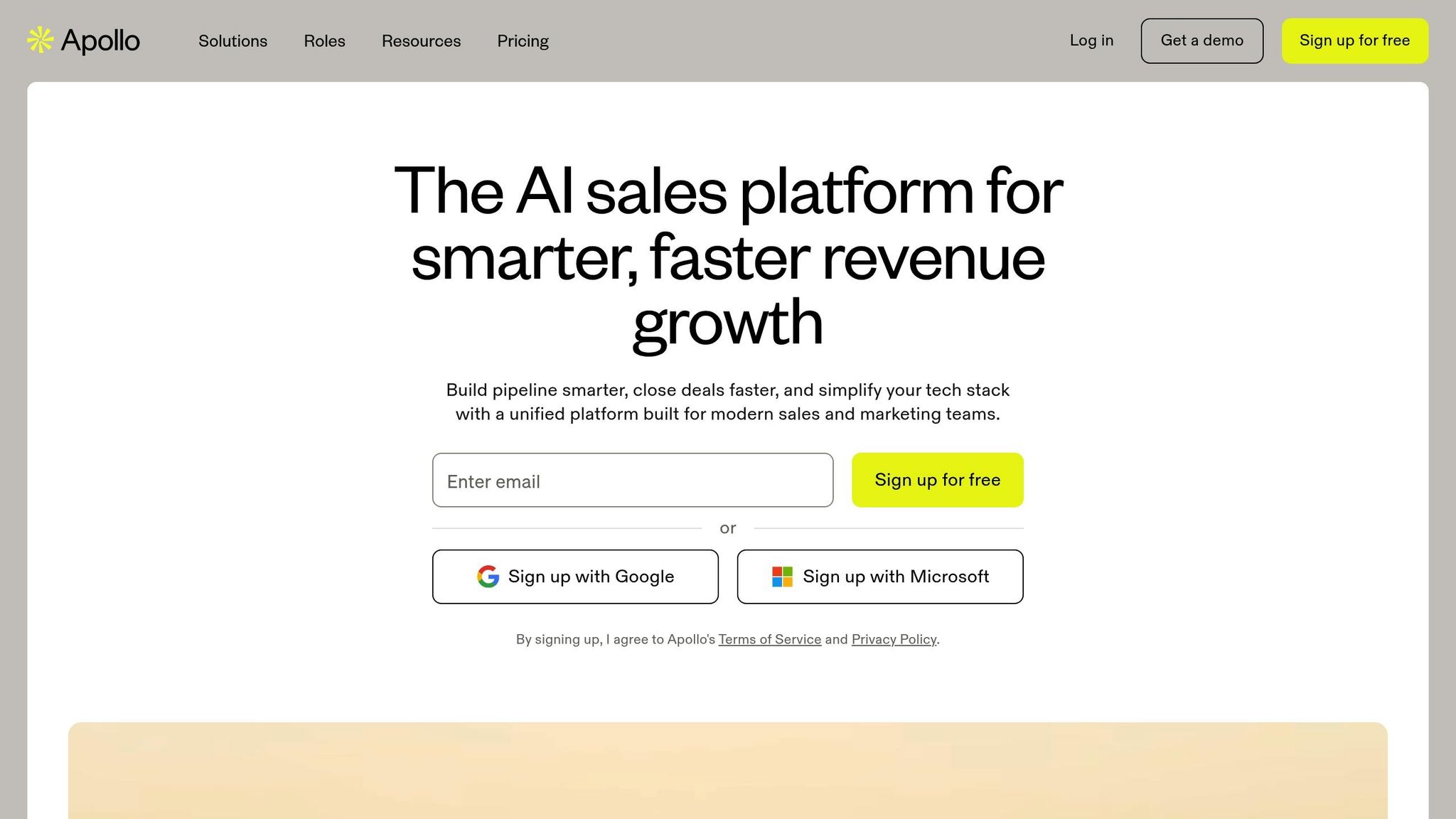
Apollo is a sales intelligence tool designed to simplify lead generation by using AI to enhance data accuracy. It provides verified contact details, such as emails and phone numbers, making it easier for sales teams to connect with prospects. Beyond just accurate data, Apollo ensures smooth integration with other platforms, making it a valuable resource for sales workflows.
For example, in 2025, Breakcold - an AI-focused Sales CRM - integrated Apollo.io into its system. This integration utilized a step-by-step data enrichment process, which greatly improved the quality of contact information available to sales teams, enhancing their efficiency.
2. HubSpot
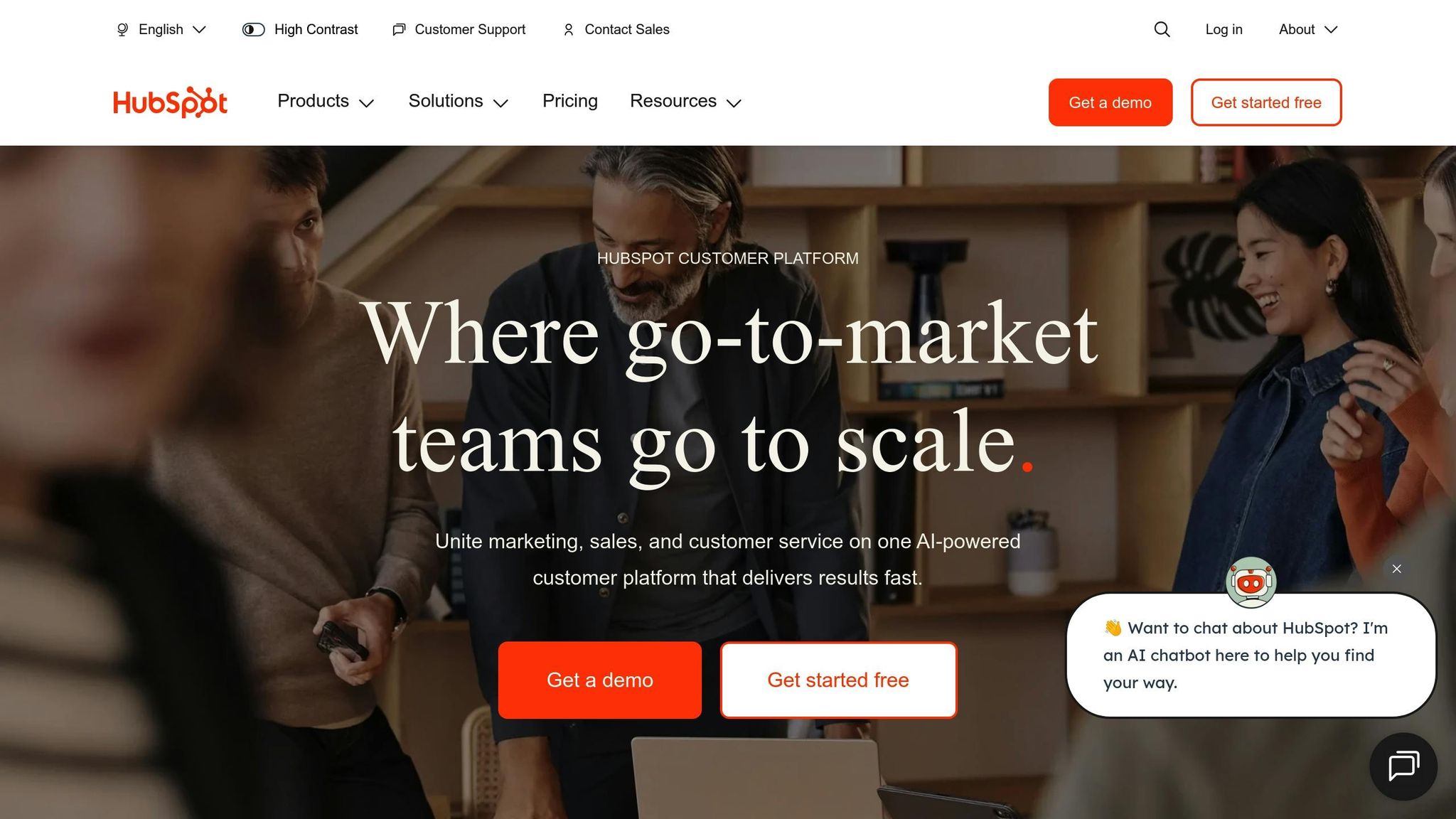
HubSpot brings together marketing, sales, and service into a single, unified platform, breaking down data silos and creating a more connected experience for businesses. This integration is especially helpful for companies aiming to deliver smooth, cohesive customer interactions. Let’s dive into how HubSpot’s automation tools can streamline operations and boost efficiency.
Automation Capabilities
HubSpot’s automation tools take care of time-consuming tasks so your team can focus on what matters most. For example, the platform can automatically assign leads based on territory, deal size, or interests, ensuring each prospect reaches the right salesperson. Email sequences are triggered by specific prospect actions, delivering personalized follow-ups at just the right moment.
But it doesn’t stop at email. HubSpot also automates deal stage updates, creates tasks for deals that have stalled, and sends notifications for important interactions. By reducing the need for manual data entry, these features free up sales teams to concentrate on building relationships and closing deals.
Lead Generation Tools
HubSpot’s lead generation features are designed to capture and nurture prospects throughout their journey. When a lead fills out a form, the data syncs directly with the CRM, creating a detailed contact record enriched with behavioral insights. This gives sales teams a clearer picture of what prospects are interested in before reaching out.
The platform also includes lead scoring, which ranks prospects based on their likelihood to buy. It combines demographic details with behavioral cues, like frequent visits to pricing pages or downloading case studies, to prioritize leads. This ensures your team focuses its energy on the most promising opportunities.
Optimizing the Sales Pipeline
HubSpot’s pipeline management tools provide a clear, visual view of where deals stand and help identify any bottlenecks. The pipeline dashboard highlights each stage of the sales process, making it easy to spot where deals might be stalling - like proposals waiting for approval - and take action to move them forward.
Forecasting tools use historical data and current pipeline insights to deliver more accurate revenue predictions. Sales teams can track critical metrics, including average deal size, sales cycle length, and conversion rates at each stage. Custom reporting dashboards keep everyone aligned with real-time performance updates, helping teams stay on track with their goals.
Features Tailored for U.S. Businesses
HubSpot includes several features specifically designed for U.S.-based companies. It formats phone numbers as (xxx) xxx-xxxx, adjusts for time zones across regions to ensure timely follow-ups, and defaults currency settings to U.S. dollars ($). Dates are displayed in the MM/DD/YYYY format, which is standard in the United States.
The platform also supports compliance with U.S. regulations like the CAN-SPAM Act by offering tools to manage opt-outs and unsubscribe requests. Additionally, HubSpot integrates seamlessly with widely used U.S. tools like QuickBooks, Salesforce, and Microsoft Office 365, ensuring smooth data sharing between essential systems for daily operations.
3. Pipedrive
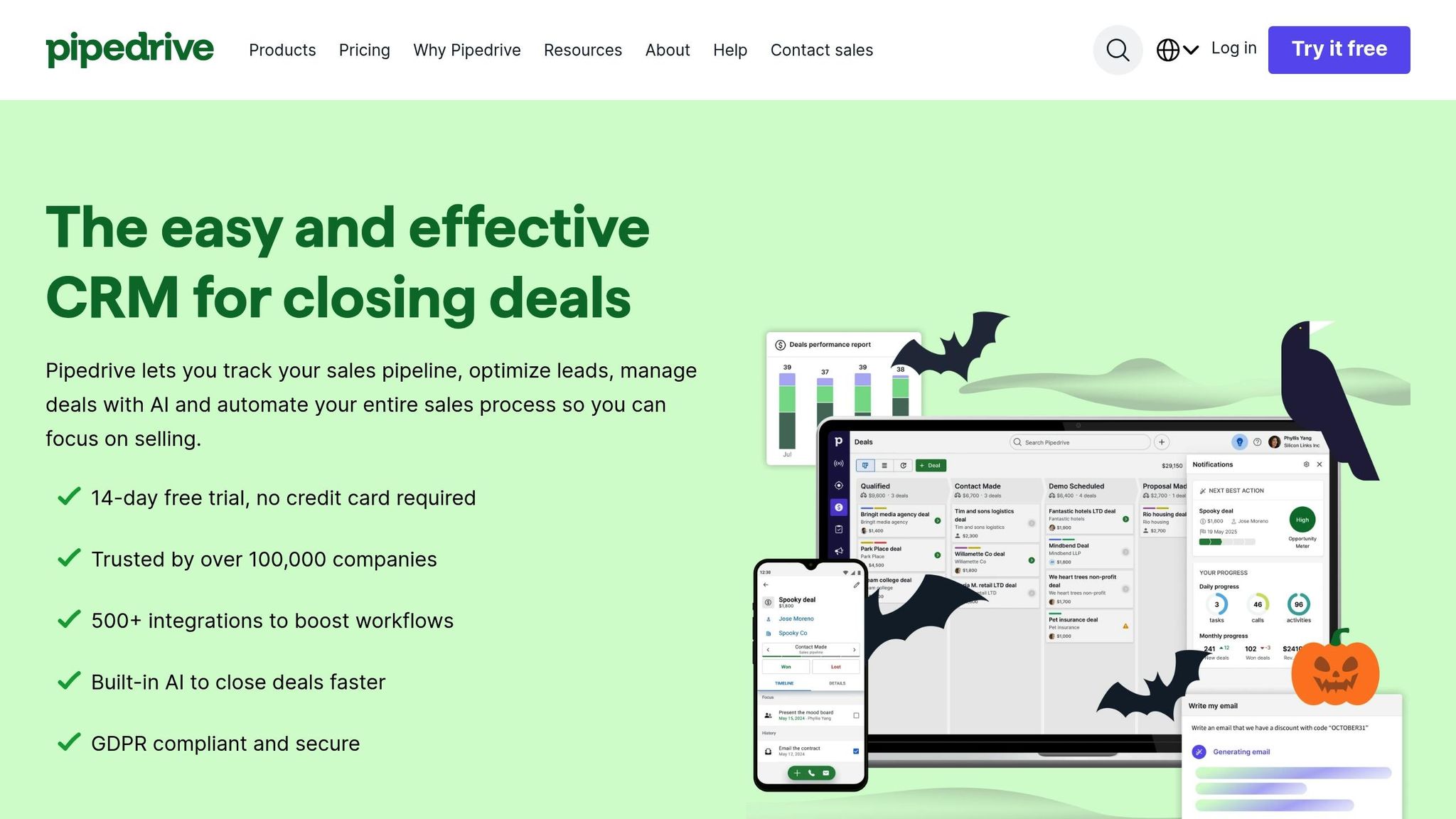
Pipedrive is a CRM platform designed with a strong focus on sales. It helps teams stay organized by visually mapping out workflows, making it easier to track and close deals. Its user-friendly design also lays the groundwork for powerful automation tools.
Automation Capabilities
With Pipedrive, you can automate key tasks like advancing deals through specific stages. This means fewer manual updates and follow-ups, allowing your team to focus on closing deals instead of managing repetitive tasks.
Sales Pipeline Optimization
The platform's visual interface gives you a clear snapshot of where each deal stands. This makes it simple to identify bottlenecks and take action to keep deals moving forward efficiently.
4. Octopus CRM
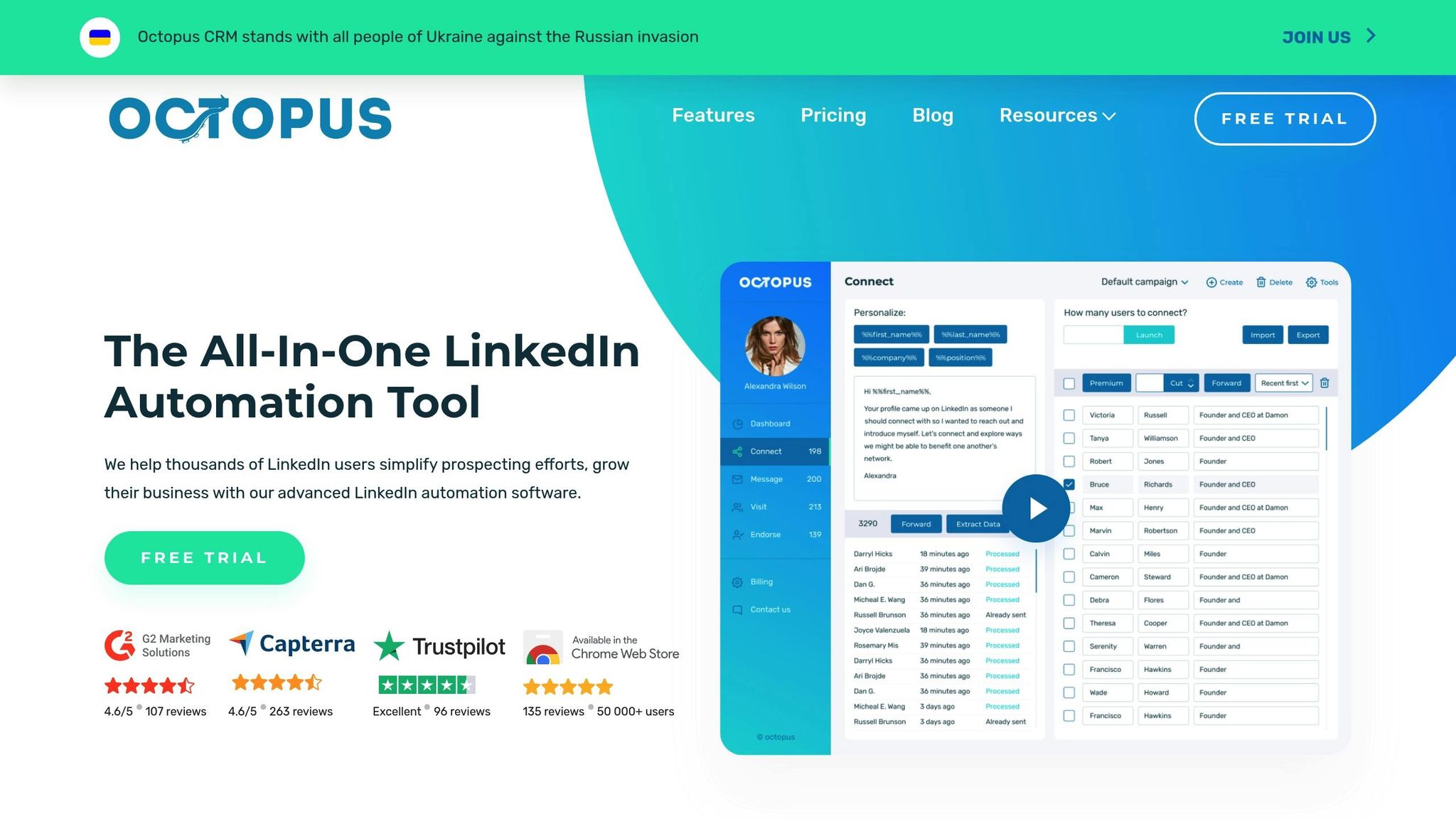
Octopus CRM is all about simplifying LinkedIn outreach for sales teams. By automating everyday LinkedIn tasks - like sending connection requests or follow-up messages - it frees up your team to concentrate on forging real connections.
What’s more, Octopus CRM integrates LinkedIn contacts and engagement data directly with your CRM, helping you keep your sales pipeline organized. This smoother workflow makes it easier to nurture leads and stay productive.
sbb-itb-8aac02d
5. Mails AI
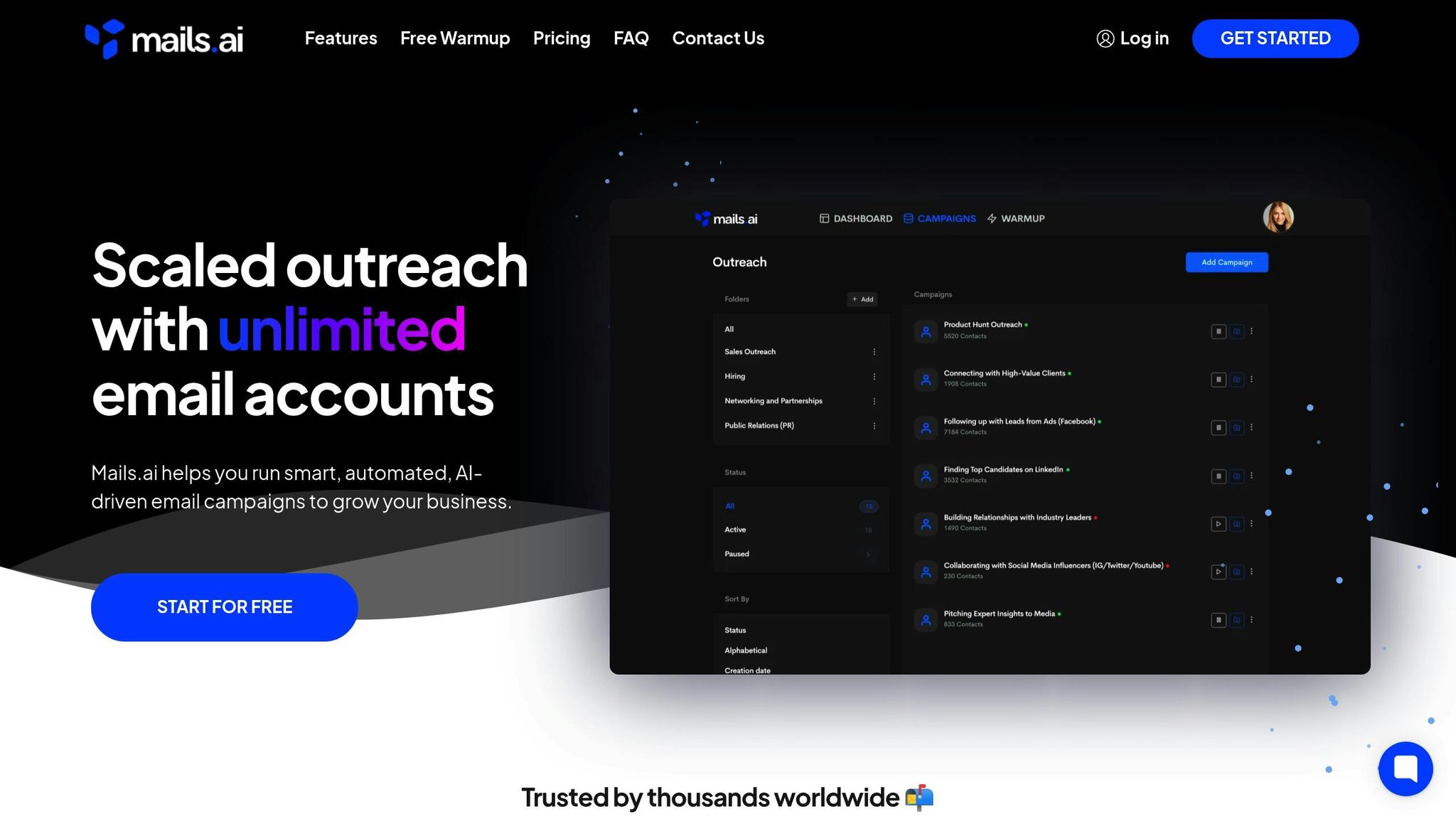
Mails AI is a CRM integration designed to streamline email automation. While details on features like automated email sequences, personalized outreach, and pipeline management optimization are yet to be confirmed, you can consult the official product documentation for the most accurate information. This tool is part of a suite aimed at improving sales efficiency by cutting down on time-consuming manual email tasks.
6. Instantly
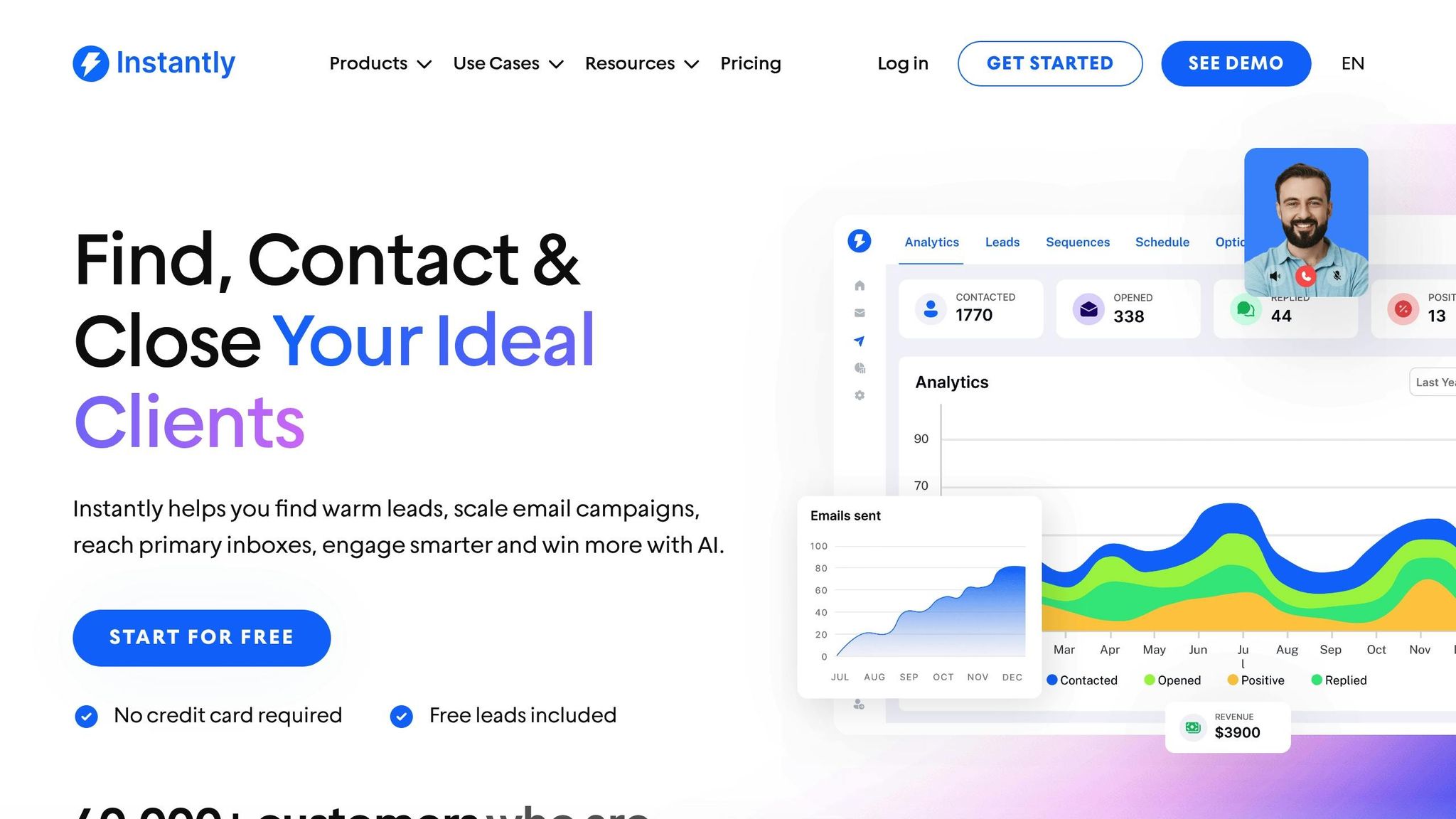
At the moment, there’s no confirmed information about Instantly's CRM integration capabilities. Details about its automation tools, lead generation features, or pipeline management options remain unclear. Keep an eye on the comparison chart below for updates as we gather more information.
7. Dripify
Dripify takes the hassle out of managing sales tasks for online store owners by automating key processes like follow-ups, order notifications, and inventory updates. It connects seamlessly with your CRM, cutting down on manual work and improving efficiency across the board. With its automation engine, Dripify ensures that customer follow-ups and order status updates are handled smoothly, freeing up sales teams to concentrate on building stronger customer relationships instead of getting bogged down by routine administrative tasks.
This tool is a great addition to the lineup of CRM integrations designed to help sales teams shift their focus from repetitive tasks to more strategic, high-value activities. For ecommerce businesses, where smooth order management and effective communication with customers are critical, Dripify can make a real difference.
CRM Integration Comparison Chart
Choosing the right CRM integration means weighing tools based on their strengths. The chart below outlines how various integrations perform in critical areas for US-based sales teams.
| Integration | Automation Features | Lead Management | US Localization | Reporting Tools |
|---|---|---|---|---|
| Apollo | Email sequences, call scheduling, task automation | Advanced prospecting, lead scoring, contact enrichment | Full USD support, MM/DD/YYYY dates, US phone formats | Pipeline analytics, activity tracking, ROI dashboards |
| HubSpot | Workflow automation, email marketing, social media posting | Lead nurturing, contact lifecycle stages, behavioral tracking | Complete US formatting, EST/PST timezone support | Custom reports, sales forecasting, attribution analysis |
| Pipedrive | Activity reminders, follow-up automation, deal progression triggers | Visual pipeline management, lead qualification, contact segmentation | USD pricing display, US address formats, imperial units | Sales performance metrics, conversion tracking, team reports |
| Octopus CRM | LinkedIn outreach automation, connection requests, message sequences | LinkedIn lead generation, profile enrichment, contact importing | US business hours settings, dollar amount formatting | LinkedIn campaign analytics, response rate tracking |
| Mails AI | AI-powered email personalization, send-time optimization, A/B testing | Email engagement scoring, recipient behavior analysis | US holiday scheduling, EST/CST/PST delivery times | Email performance metrics, engagement analytics |
| Instantly | Cold email automation, drip campaigns, reply detection | Lead warming sequences, email list management | US compliance features, CAN-SPAM adherence | Deliverability reports, campaign performance tracking |
| Dripify | LinkedIn automation workflows, connection request automation, message sequences | LinkedIn lead nurturing, campaign segmentation | US business hours scheduling, dollar formatting | Campaign performance reports, engagement analytics |
Here’s how these tools stack up: Apollo and HubSpot offer robust multi-channel automation, while Octopus CRM and Dripify focus on LinkedIn outreach. If email personalization is key, Mails AI delivers features like AI-driven optimization and A/B testing. For lead management, HubSpot provides detailed tracking across the customer journey, whereas Pipedrive shines with its visual pipeline system. Teams prioritizing LinkedIn prospecting will benefit from Octopus CRM and Dripify, which streamline connection building and follow-ups.
US-specific localization is consistent across all tools, ensuring proper formatting and timezone support. Reporting capabilities vary widely: HubSpot leads with customizable analytics, Octopus CRM focuses on LinkedIn-specific metrics, and Dripify highlights campaign engagement and conversion rates.
When deciding, think about how each tool’s unique strengths align with your team’s workflows and priorities.
How to Pick the Right CRM Integration
Choosing the right CRM integration is all about understanding your team's unique needs and planning for future growth. The right tool should simplify your workflows and improve productivity, laying the foundation for a CRM system that aligns with your sales strategy.
Check compatibility first. Make sure the CRM integration works seamlessly with your existing tools - like your email, calendar, marketing platforms, and accounting systems. A smooth connection between these tools ensures better efficiency and less frustration for your team.
Look for US-specific features. If your business operates in the United States, the CRM should support local formats. That means handling US time zones, currency (USD), dates (MM/DD/YYYY), and phone number formats. Built-in compliance features, like adherence to CAN-SPAM laws, are also important for protecting your business and maintaining email deliverability.
Plan for scalability. Did you know that 52% of companies rethink their CRM systems every few years, often because their current setup can't keep up with growth? To avoid this, choose a cloud-based solution that can handle more data and users as your business expands. Think ahead to ensure the system can grow with you, so you don’t have to start over later.
Ease of use matters. A CRM integration with an intuitive interface can save your team a lot of time. Features like drag-and-drop tools and visual workflow builders make it easier for everyone - whether they’re tech-savvy or not - to get up to speed quickly.
Test customer support. Responsive and helpful customer support can make a huge difference, especially during setup and as you continue using the system. During product demos, test the support team’s responsiveness to ensure they can provide the help you’ll need to make the most of your CRM integration.
Conclusion
This guide has walked you through various integrations designed to simplify workflows and enhance efficiency. Now it’s time to bring it all together and create a powerful sales engine. By leveraging CRM integrations, you can eliminate repetitive tasks and supercharge productivity. Tools like Apollo for prospecting, HubSpot for managing the entire sales process, or Pipedrive for visualizing your pipeline allow your team to work smarter, not harder. These connections help ensure your sales engine runs seamlessly, letting your team focus on what truly matters: closing deals.
For businesses in the US, these modern CRM integrations not only address specific operational challenges but also deliver efficiency that extends well beyond basic automation.
FAQs
How can I choose the right CRM integration to improve my sales workflow and meet future business needs?
To select the best CRM integration for your sales team, begin by pinpointing the challenges in your current workflow and outlining your broader business goals. Think about how the integration can tackle specific areas like managing leads, streamlining your sales pipeline, or automating repetitive tasks.
Make sure the tool works smoothly with your existing software and has the capacity to grow alongside your business. It’s a good idea to get input from your team to confirm the solution fits into their daily routines and boosts their efficiency. Focus on integrations that streamline operations and offer a complete picture of your customer interactions.
What are the benefits of using LinkedIn-focused CRM integrations like Octopus CRM and Dripify for sales prospecting?
LinkedIn-focused CRM tools like Octopus CRM and Dripify can transform your sales prospecting by automating repetitive tasks and boosting lead engagement. These integrations simplify actions such as sending tailored connection requests, following up with prospects, and managing communication flows - all directly within LinkedIn.
With these tools, sales teams can cut down on manual work, maintain steady outreach efforts, and dedicate more energy to nurturing genuine connections with leads. Plus, built-in features like analytics and performance tracking allow you to fine-tune your prospecting approach, helping you achieve stronger results over time.
Why is localization important for CRM integrations in the United States, and how does it benefit sales teams?
Localization plays a key role in CRM integrations within the United States, as it ensures the software aligns with local standards and preferences. This includes currency formats ($), MM/DD/YYYY date formats, and imperial measurement units. Such adjustments make the platform more intuitive and user-friendly for sales teams and their clients.
When CRM tools are customized to match U.S. conventions, sales teams can communicate more clearly, minimize mistakes, and foster trust with customers. The result? Stronger client relationships, increased efficiency, and improved sales performance.