Email outreach is tough - 95% of cold emails don’t get replies, and open rates dropped from 36% in 2023 to 27.7% in 2024. To stand out, you need the right tools, personalized templates, and smarter strategies. This article breaks down the best email outreach platforms and templates to improve your conversions.
Key Takeaways:
- Best Tools: Apollo, Mails AI, Instantly, HubSpot, Pipedrive, Octopus CRM, and Dripify.
- What to Look For: CRM integration, automation, personalization, deliverability, analytics, and compliance.
- Templates That Work: Cold prospecting, follow-ups, re-engagement, and referral requests.
- Tips for Better Results:
- Personalize beyond names - reference company milestones or challenges.
- Test subject lines, timing, and content to refine your approach.
- Focus on reply rates and booked meetings over vanity metrics.
- Clean your email list regularly to maintain deliverability.
Quick Comparison:
| Tool | Core Features | CRM Integration | Pricing | US Support |
|---|---|---|---|---|
| Apollo | Contact management, email sequencing | Salesforce, HubSpot | Free & paid plans | Dedicated support |
| Mails AI | AI-driven personalization, automation | Salesforce, HubSpot | Competitive pricing | Email/chat support |
| Instantly | Multi-channel outreach, A/B testing | Basic CRM sync via Zapier | Affordable plans | Email support |
| HubSpot | All-in-one CRM and email tools | Native CRM integration | Free & premium tiers | Phone, chat, and email |
| Pipedrive | Sales-focused CRM with email tools | Built-in CRM | $14.90–$99/month | 24/7 support |
| Octopus CRM | LinkedIn automation | CSV export, Zapier | $6.99–$24.99/month | Email support |
| Dripify | LinkedIn outreach with team features | CSV export | $59–$99/month | Email/chat support |
With these tools, templates, and strategies, you can overcome low response rates and turn email outreach into a powerful lead-generation engine.
Top 5 Best Cold Email Tools (2025)
What to Look for in Email Outreach Tools
Choosing the right email outreach tool can make or break your campaign success. To combat low response rates and improve conversions, focus on tools that address the critical challenges of outreach. Here’s a breakdown of the must-have features:
CRM Integration should be a top priority. Your tool needs to sync effortlessly with your existing customer relationship management system. This ensures automatic updates to prospect records, saving your team from tedious manual data entry and providing a complete view of engagement across all channels.
Advanced Automation Capabilities are what set exceptional tools apart. Look for platforms that offer multi-step sequences, conditional logic, and trigger-based follow-ups. These features allow you to design workflows that adapt to prospect behavior - whether they open an email, click on a link, or visit your site. It’s all about responding intelligently to their actions.
Personalization at Scale is crucial for standing out. A good tool should go beyond just adding first names to emails. It should use data to customize subject lines, content, and even timing, ensuring your messages resonate on a deeper level. This tailored approach can significantly boost engagement and response rates.
Robust Analytics and Reporting are essential for refining your strategy. Your tool should track key metrics like open rates, click-through rates, and conversions. With real-time insights, you can identify what’s working and adjust your campaigns for better results.
Deliverability Management is non-negotiable. If your emails don’t reach inboxes, nothing else matters. Choose tools that monitor sender reputation, manage IP warming, and analyze spam scores. Features like domain authentication, bounce tracking, and blacklist management are critical for maintaining high deliverability.
Compliance with US Data Privacy Standards is a must. Ensure the tool supports CAN-SPAM compliance with features like automatic unsubscribe handling, clear sender information, and opt-out management. If you’re targeting California-based prospects, tools with built-in CCPA compliance assistance can be a big plus.
A/B Testing Functionality helps you refine every aspect of your outreach. Test subject lines, content, timing, and calls to action to see what drives the best results. The ability to automatically apply winning variations can save time and improve outcomes.
Lead Database and Prospecting Tools are invaluable for streamlining your outreach. Tools with built-in, verified contact and company data save time and ensure consistency across campaigns, making it easier to focus on connecting with the right prospects.
Team Collaboration Features are key for scaling your efforts. Shared templates, approval workflows, and dashboards keep everyone aligned. Some tools also offer lead assignment and territory management to avoid overlap and maintain organization.
Email Warm-up Capabilities are helpful for building sender reputation, especially for new domains. Automated warm-up emails can improve deliverability and set your campaigns up for success.
The right email outreach tool combines these features to tackle common hurdles like poor deliverability, lack of personalization, and ineffective follow-ups. Focus on the features that address your specific challenges, and don’t get distracted by unnecessary extras.
1. Apollo
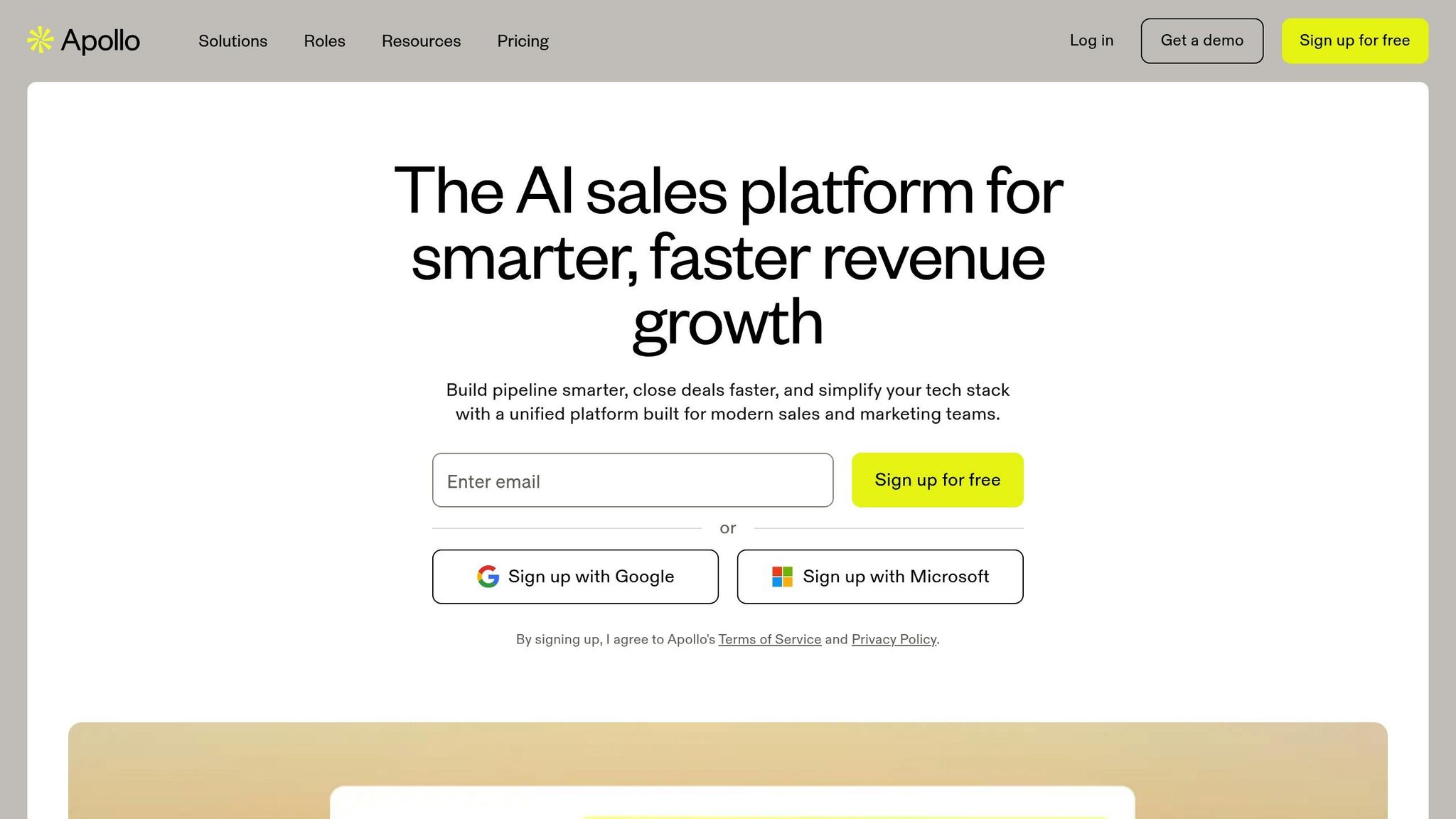
Apollo stands out for its seamless ability to connect with leading CRM systems, making it easier to manage prospect data and streamline your workflows. By simplifying manual tasks and automating processes, it helps teams stay focused on what matters most - closing deals.
CRM Integration
Apollo directly syncs lead data with Salesforce and HubSpot, cutting down on manual data entry and ensuring your sales operations stay on track. Plus, its integration with Zapier opens up endless possibilities for connecting with other business tools, enabling you to create automated workflows tailored to your needs.
"Apollo has an AI email writing tool to help you create cold email campaigns. It integrates with Zapier to give you the tools to build a broader workflow and can sync lead information with Salesforce and HubSpot."
2. Mails AI
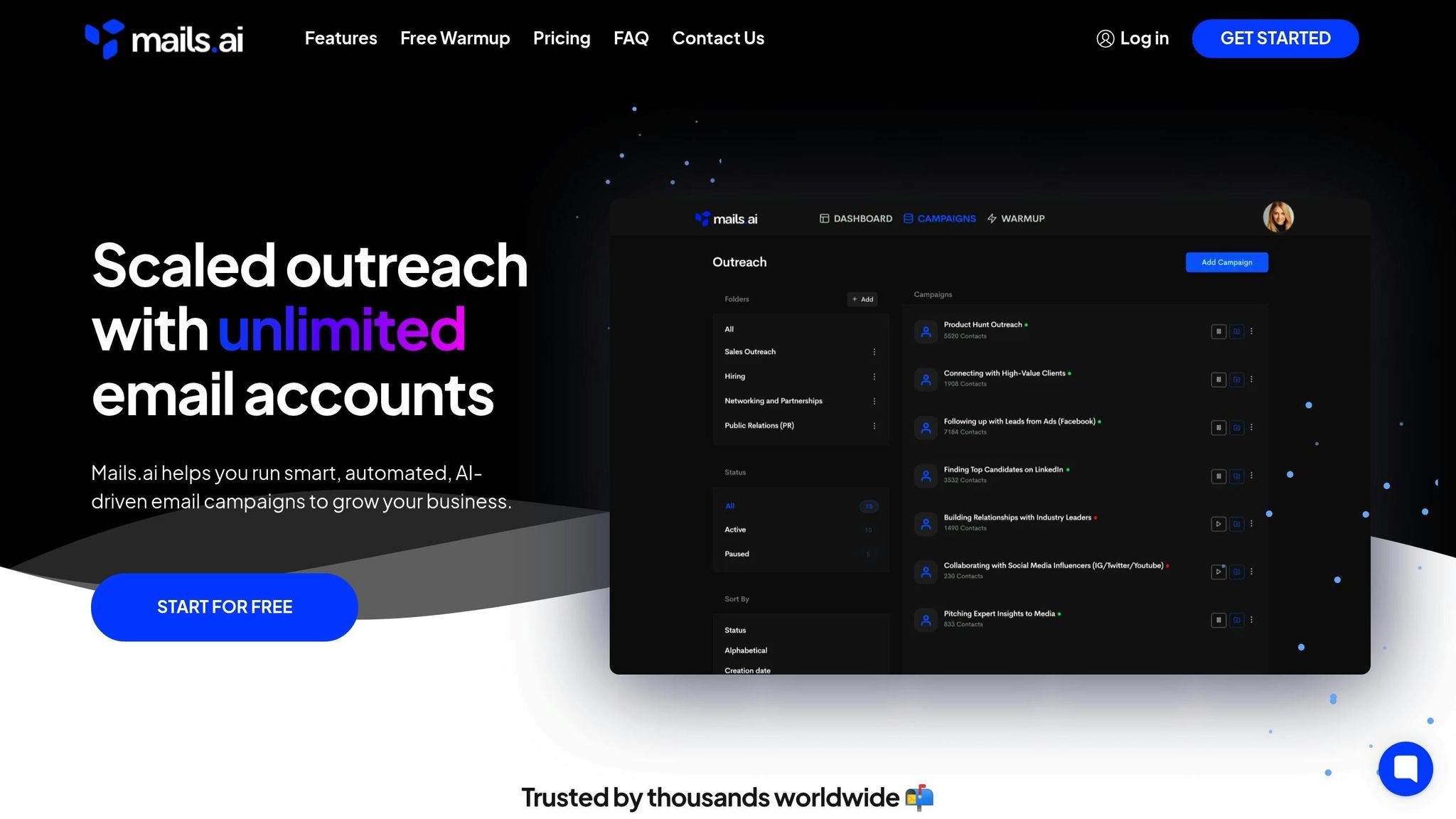
Mails AI combines the power of artificial intelligence with email marketing to craft personalized campaigns. This tool helps automate communication while maintaining a personal touch, making outreach more efficient and effective.
Automation and Personalization
With Mails AI, messages are tailored based on how prospects engage with them. The system automates email sequences, ensuring follow-ups stay relevant by dynamically adapting to each recipient's behavior. This means your outreach evolves naturally, increasing the chances of meaningful connections.
On top of that, Mails AI includes a real-time dashboard to monitor and fine-tune your campaigns as they run.
Reporting and Analytics
The platform also features a detailed analytics dashboard, delivering key insights into your campaign performance. These insights help you understand what works and what doesn’t, so you can continuously improve your outreach strategy.
3. Instantly
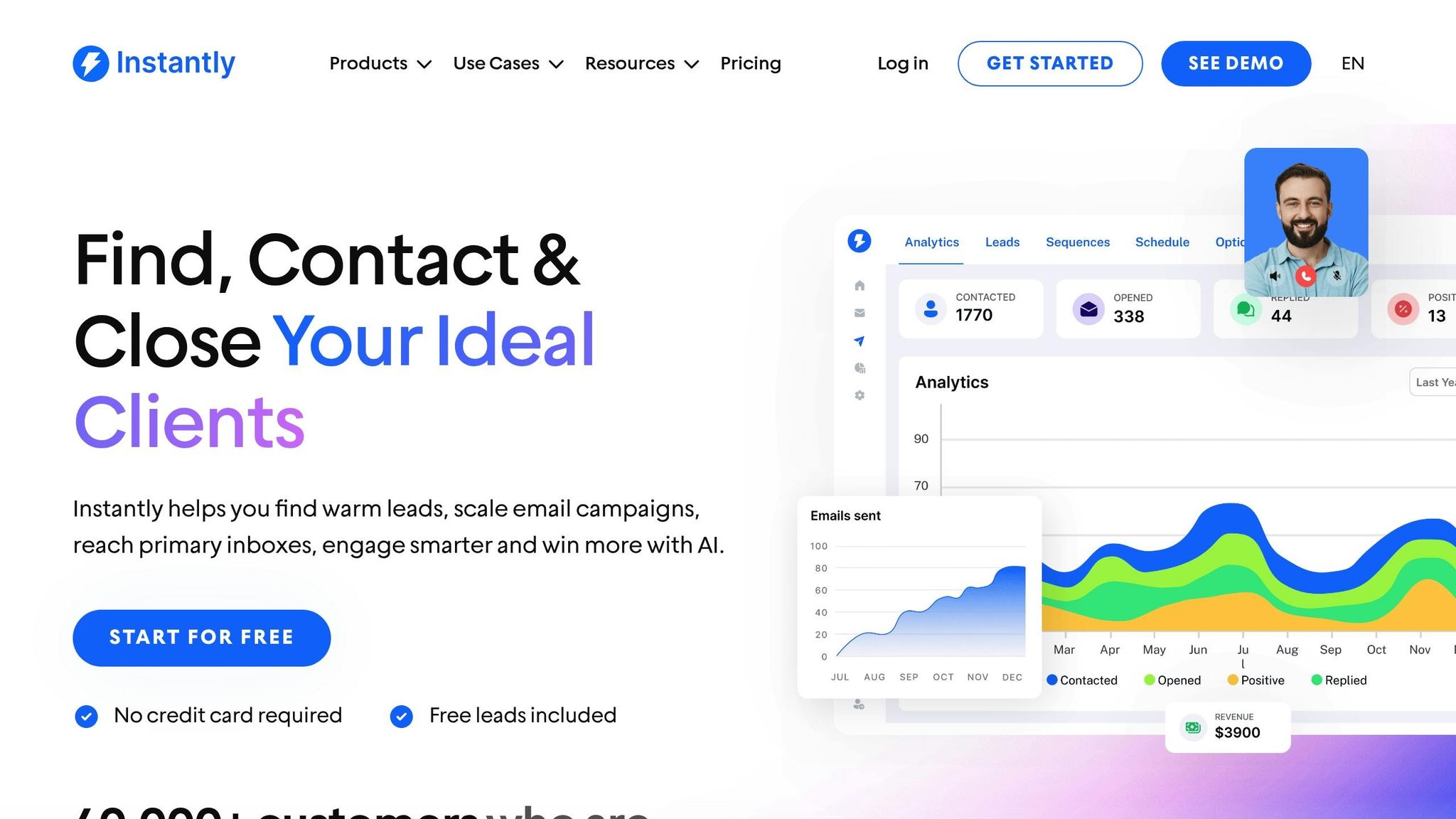
Instantly uses AI-powered analytics and built-in A/B testing tools to make creating effective email campaigns easier. With these features, sales teams can fine-tune their outreach efforts and improve engagement rates. The combination of detailed analytics and testing helps refine strategies for better results.
4. HubSpot
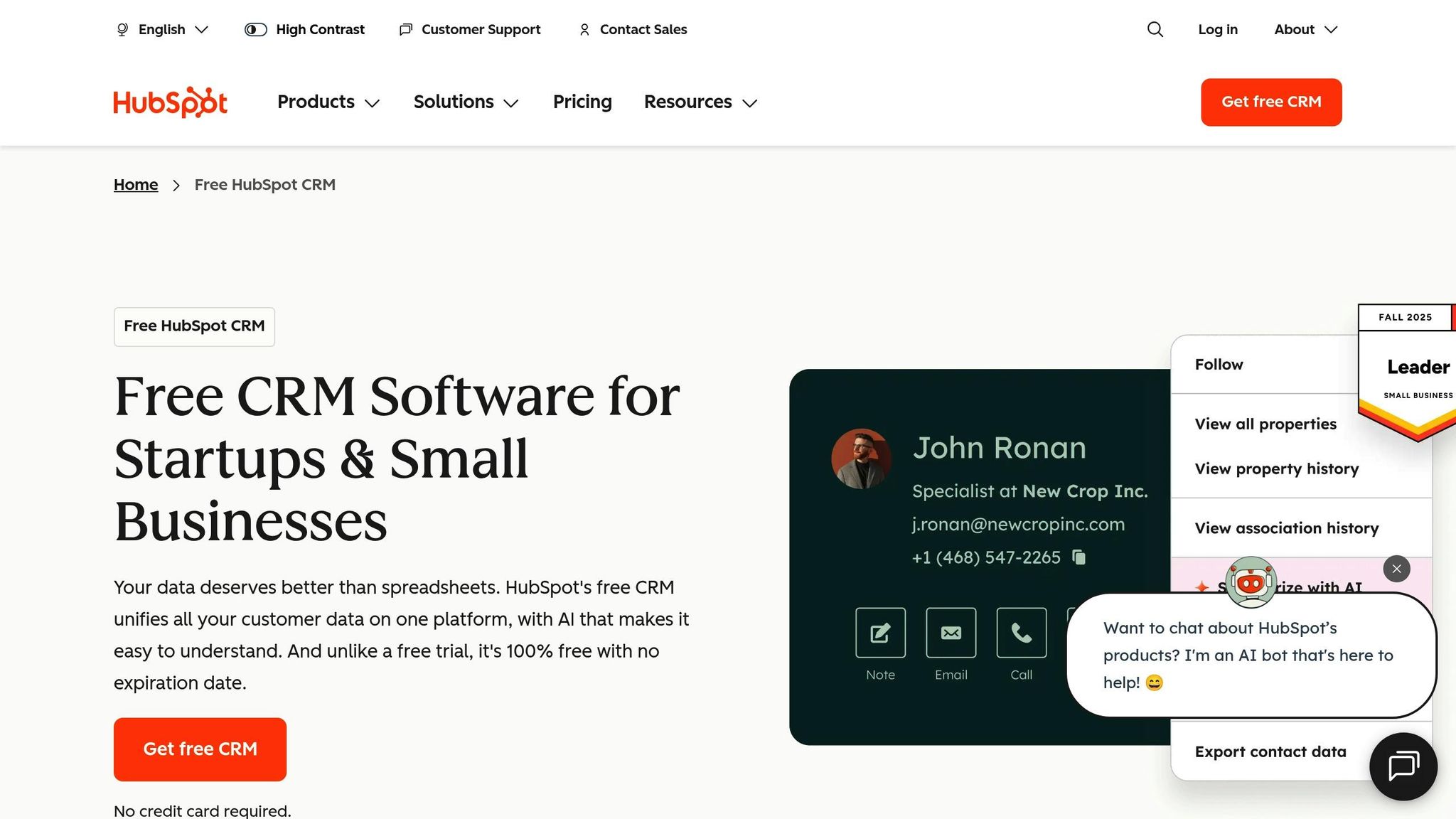
HubSpot brings email outreach and CRM together, offering a single platform to manage the entire prospect journey - from the first interaction to closing the deal. This all-in-one system helps sales teams simplify communication and keep track of relationships, making day-to-day operations more efficient.
CRM Integration
HubSpot’s email tools work hand-in-hand with its CRM. Every email interaction is automatically logged in the contact’s profile, giving sales professionals a complete view of their engagement history. This makes it easier to reference past conversations and plan more effective outreach strategies.
Automation and Personalization Features
With HubSpot, you can create multi-step email campaigns that include scheduled follow-ups based on how prospects interact with your emails. Plus, its built-in personalization tools allow you to customize messages using key details about each contact, making your communication feel more relevant and engaging.
5. Pipedrive
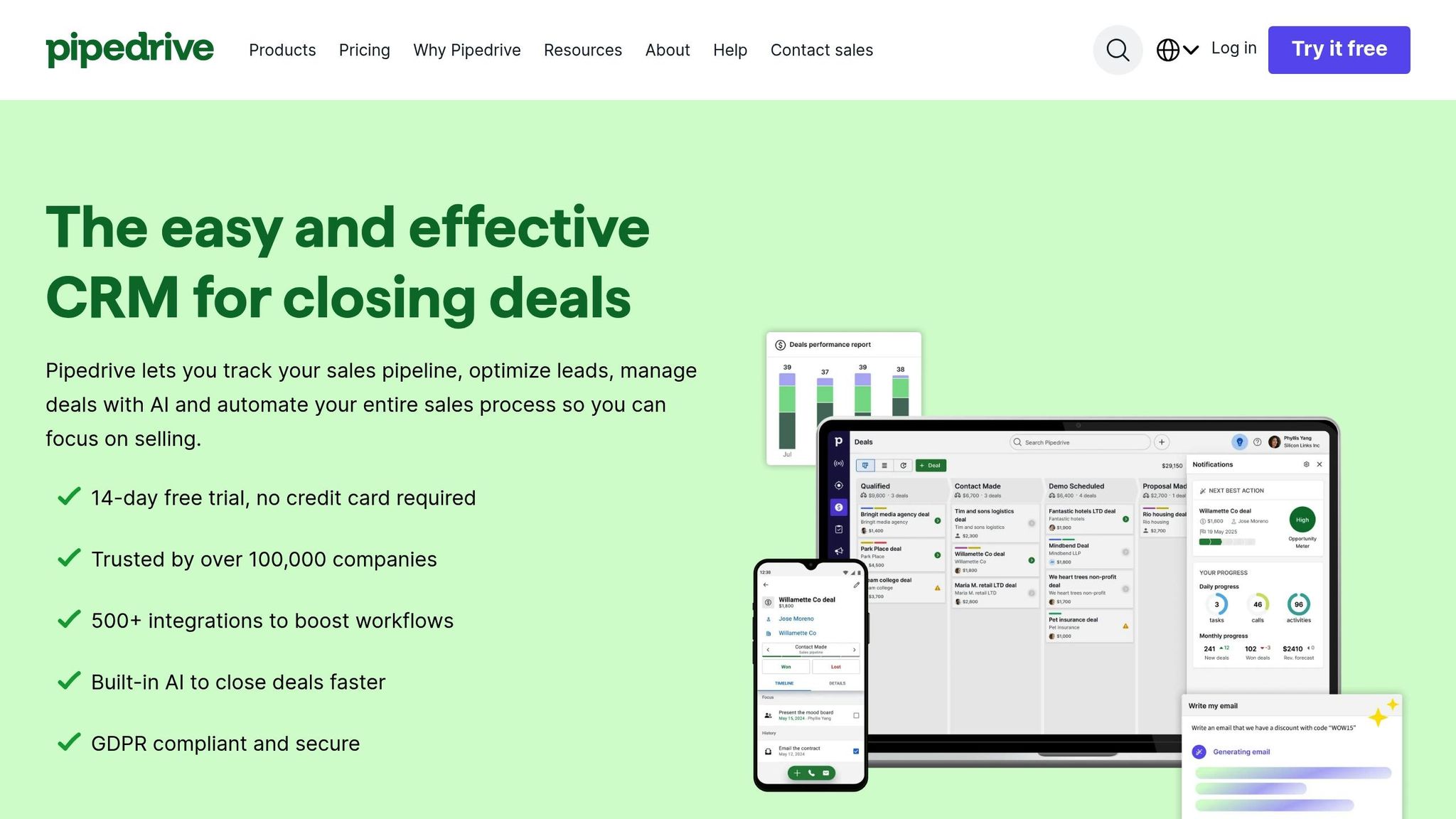
Pipedrive takes the concept of email outreach and blends it seamlessly with its sales-focused CRM. Designed for sales teams aiming to close more deals, it combines a visual pipeline with email tools to help you stay organized and efficient.
CRM Integration
With Pipedrive, email functionality is built directly into its CRM system, creating a smooth experience for sales professionals. Every email you send is automatically linked to the relevant deal and contact record, all within a visual pipeline that tracks your progress with prospects.
Contact details update in real time, and you can access complete email histories without needing to bounce between different tools. This integration simplifies your workflow and supports detailed performance tracking.
Analytics and Reporting Capabilities
Pipedrive makes it easy to track how your emails perform. You can monitor metrics like response rates across your sales pipeline to see which subject lines or content styles resonate most with prospects. Its reporting dashboard highlights trends in email activity over time, helping you fine-tune your outreach timing.
You can also create reports that merge email stats with deal progression data. This gives you a clear picture of how your email communication influences conversion rates and sales speed.
Pricing in USD and US Support
Pipedrive offers four pricing plans to suit different needs:
- Essential: $14.90 per user/month
- Advanced: $27.90 per user/month
- Professional: $49.90 per user/month
- Enterprise: $99.00 per user/month
Each plan adds more features as you go up the tiers.
For US-based customers, Pipedrive provides dedicated support through live chat, email, and phone during business hours. There’s also an extensive knowledge base packed with tutorials and tips tailored to American sales teams and business practices.
sbb-itb-8aac02d
6. Octopus CRM
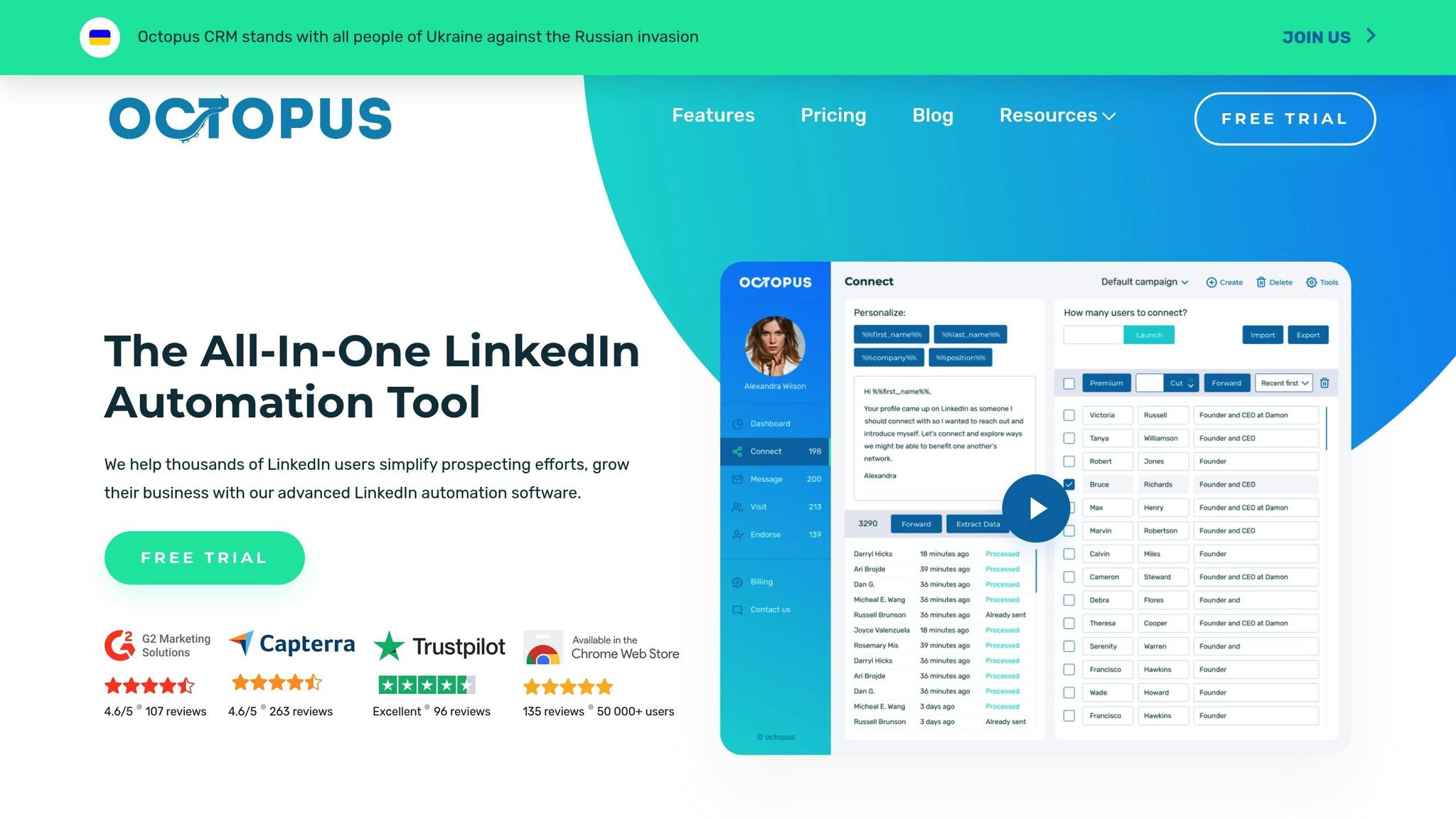
Octopus CRM takes a different route by focusing exclusively on LinkedIn automation. Instead of concentrating on email campaigns, this platform helps you connect with prospects directly on LinkedIn - the world’s largest professional network - where they’re already engaging.
Automation and Personalization Features
With Octopus CRM, you can automate LinkedIn prospecting through multi-step campaigns. These include sending connection requests, personalized follow-ups, profile visits, and even endorsements. The platform allows you to use dynamic fields to personalize messages by inserting details like the recipient's name, job title, or company. You can also set up automated sequences that trigger follow-ups based on how recipients respond or interact with your messages.
This combination of automation and personalization makes it easier to manage outreach while keeping it tailored to each prospect.
Analytics and Reporting Tools
The platform provides a dashboard where you can track important LinkedIn metrics, such as connection acceptance rates, message response rates, and profile views. These analytics give you valuable insights into what’s working and what’s not. By understanding which strategies resonate with your audience, you can refine your campaigns to improve performance.
CRM Integration Options
While Octopus CRM doesn’t directly integrate with traditional CRM systems, it does offer CSV export functionality. This allows you to transfer leads and campaign data into your preferred CRM easily. For more advanced integrations, many users turn to third-party tools like Zapier, which can help bridge the gap between Octopus CRM and other platforms.
Pricing in USD and Support for US Users
Octopus CRM offers four pricing plans, all billed annually and displayed in US dollars:
- Starter: $6.99/month – includes basic automation features
- Pro: $9.99/month – adds advanced automation and analytics
- Advanced: $14.99/month – supports additional campaign steps and higher usage limits
- Unlimited: $24.99/month – removes most feature restrictions
All plans come with a 7-day free trial. Payments can be made using major US credit cards, and US-based customers benefit from email and live chat support during standard business hours. The platform also offers a detailed knowledge base with resources tailored to American spelling and business practices. This straightforward pricing and localized support make it easier for businesses to streamline their LinkedIn outreach and boost conversions.
7. Dripify
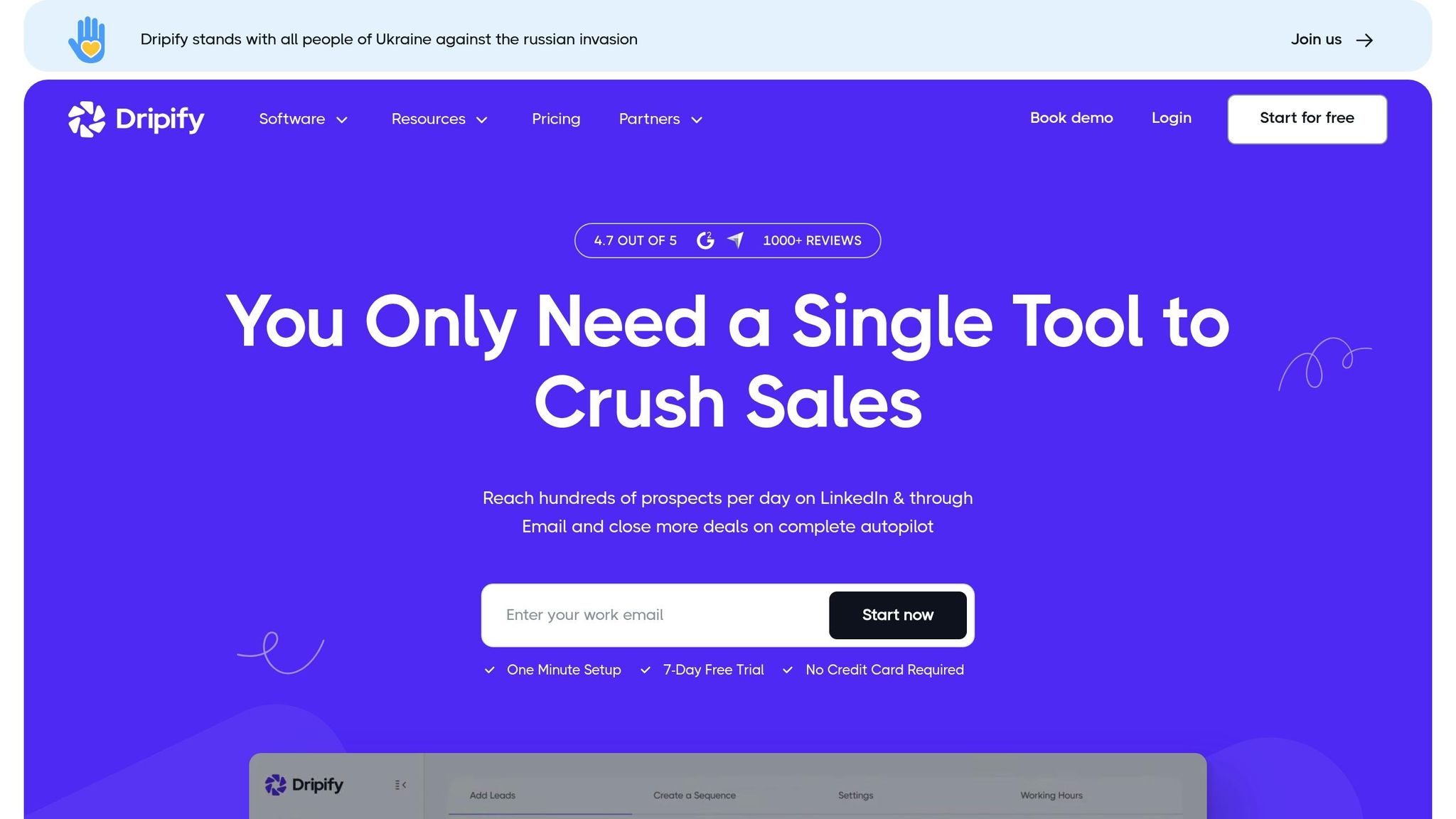
Dripify is a LinkedIn outreach platform designed to simplify engagement strategies with clear pricing options and dedicated customer support tailored for users in the US. It works well alongside other outreach tools, focusing specifically on LinkedIn interaction.
Here’s a breakdown of the pricing plans:
- Basic: $59/month – Includes essential tools for managing LinkedIn accounts.
- Pro: $79/month – Adds collaboration features and CRM integration.
- Advanced: $99/month – Offers advanced features, including priority support.
Each plan comes with a 14-day free trial - no credit card needed. Payments can be made via major credit cards or PayPal, and users benefit from customer support available during standard US business hours.
Email Templates That Convert
Modern outreach tools make it easier than ever to connect with potential clients, but having the right email templates can make all the difference. These templates are designed to turn prospects into leads and, when combined with automation and CRM tools, can significantly boost engagement.
Cold Prospecting Template
Kick off your outreach with a tailored cold email.
Subject: Quick question about [Company Name]'s Q4 goals
Hi [First Name],
I noticed [Company Name] recently expanded into the Northeast market – congratulations on the growth!
I’m reaching out because we’ve worked with other companies in [Industry] to streamline their strategies during times of expansion. Our approach has led to measurable improvements shortly after implementation.
Would you have 15 minutes for a quick call this Thursday or Friday to explore how this might benefit [Company Name]?
Best regards,
[Your Name]
Follow-Up Template for Non-Responders
Consistency in follow-ups can keep the conversation alive.
Subject: Following up – [Original Subject]
Hi [First Name],
I know your inbox is probably full, so I’ll keep this short.
In my last email, I mentioned how our approach could help improve [Company Name]’s customer acquisition strategy. We’ve recently onboarded several companies in [Industry], and they’ve seen great results.
If this isn’t the right time, no worries – just reply with “Not now,” and I’ll circle back in a few months.
Otherwise, would you be available for a quick call next Tuesday at 2:00 PM EST?
Thanks,
[Your Name]
Referral Request Template
Subject: Quick favor – 2 minutes
Hi [First Name],
I hope you’re doing well. I wanted to follow up on our recent chat about [Specific Topic].
I’m looking to connect with other [Job Title] professionals who might benefit from the outcomes you’ve seen with [Your Product/Service].
Do you know anyone in your network currently dealing with [Specific Challenge]? An introduction would mean a lot.
I’m happy to return the favor anytime!
Best,
[Your Name]
Re-engagement Template for Cold Leads
Subject: [First Name], thought you’d find this interesting
Hi [First Name],
It’s been a while since we last spoke about [Previous Topic]. I recently came across a case study that reminded me of our conversation.
[Company Similar to Theirs] implemented a strategy that led to significant improvements in their [Relevant Metric]. Their approach was straightforward and might be a good fit for [Their Company Name].
I’ve attached a one-page summary for you to review.
If you’d like to discuss how this could apply to your situation, I’d be happy to chat.
Best regards,
[Your Name]
Personalization Tips for US Audiences
In the US, business communication tends to be direct and time-conscious. Use short, to-the-point subject lines and emails, and always specify US time zones to avoid confusion. Be mindful of major holidays when scheduling calls or follow-ups.
Including your phone number in the US format, like (555) 123-4567, adds a layer of credibility and makes it easier for prospects to reach out.
Template Customization Guidelines
Personalization is key to making these templates work. Tailor each one with relevant industry details and specific insights about the company you’re contacting. For instance:
- Tech companies: Highlight software solutions or platforms.
- Manufacturing businesses: Focus on operational improvements or cost savings.
Experiment with different subject lines by testing them on smaller segments of your list. Monitor open rates, responses, and meeting bookings to see what resonates most with your audience.
When used alongside advanced tools, these templates can streamline your outreach while keeping communication personalized and effective.
Tool Comparison Chart
Below is an overview of popular platforms, highlighting their features, integration options, pricing, and potential drawbacks to help you find the best fit for your team and budget.
| Tool | Core Features | CRM Integration | Pricing | US Support | Notable Limitations |
|---|---|---|---|---|---|
| Apollo | Contact management, email sequencing, call dialing, and analytics | Syncs with Salesforce, HubSpot, and Pipedrive | Free and paid plans available | Dedicated support during US business hours | Lower-tier plans limit email sends; advanced features may require time to master |
| Mails AI | AI-driven personalization, automated follow-ups, and deliverability optimization | Integrates with Salesforce, HubSpot, and custom APIs | Competitively priced | US-based support via email and chat | Fewer third-party integrations due to its newer status |
| Instantly | Multi-channel outreach, multiple email accounts, and warmup capabilities | Basic CRM sync through Zapier | Competitively priced plans | Email and online resource support | No native phone dialing and limited reporting on basic plans |
| HubSpot | Email sequences, contact management, landing pages, and marketing suite | Native CRM with full data synchronization | Free and premium tiers | US-based support via phone, chat, and email | Advanced features can be costly; initial setup may be complex |
| Pipedrive | Email syncing, deal tracking, activity reminders, and mobile app | Built-in CRM with pipeline management | Affordable monthly plans | 24/7 US support | Limited email automation compared to specialized outreach tools |
| Octopus CRM | LinkedIn automation for connection requests and message sequences | Basic CRM export and limited integrations | Affordable professional plan | Email support and online tutorials | Focused on LinkedIn, which carries potential account restriction risks |
| Dripify | LinkedIn outreach automation with team collaboration and safety features | CSV exports and basic CRM integration | Comprehensive monthly plan | Email and chat support | Heavily reliant on LinkedIn, with a primary focus on social selling |
This chart provides a snapshot of the tools' strengths and limitations, designed to help you quickly compare options and align them with your goals.
Key Considerations for US Businesses:
- Pricing is listed in US dollars, with many tools offering flexible month-to-month plans.
- Dedicated support during US business hours can be a crucial factor for smooth operations.
- Smaller teams may benefit from more affordable options, while larger or growing businesses might find value in platforms with extensive features and integrations.
When choosing a platform, think about your team size, preferred outreach channels, and existing tools. Selecting a solution that integrates seamlessly with your current systems can make onboarding simpler and improve overall efficiency.
How to Improve Your Email Outreach Results
To get the most out of your email outreach efforts, combine smart personalization, well-timed delivery, data-driven testing, and strategic adjustments. These strategies can help you connect better with your audience and drive meaningful responses.
Go Beyond Basic Personalization
Personalization isn’t just about addressing someone by their first name. To truly stand out, show that you understand your prospect’s business and challenges. Reference recent company milestones, industry-specific hurdles, or relevant news. For example, if you know a company is struggling with scaling lead generation or improving attribution, mention it in your email. Tools like advanced CRMs can help you gather insights about your prospect’s role, company size, and recent activities, making your outreach more relevant and engaging.
Send Emails at the Right Time
Timing can make or break your outreach efforts. For prospects in the U.S., aim to send emails midweek during peak business hours. Avoid times when inboxes are flooded, and always consider the recipient's time zone. Many email tools now offer scheduling features that let you automate timezone-specific sending, ensuring your message lands at the optimal moment.
Focus on Metrics That Matter
Don’t get distracted by vanity metrics like open rates. Instead, track reply rates and booking rates to measure the real impact of your campaigns. Keep an eye on sender reputation by monitoring bounce rates, spam complaints, and unsubscribe rates - these metrics directly influence email deliverability. Use your platform’s analytics to identify what works best, from subject lines to call-to-action placements.
Test and Refine Your Approach
A/B testing is your best friend when it comes to improving email performance. Test one variable at a time - such as the subject line, email length, or value proposition - and allow enough time to gather reliable data. Use these insights to fine-tune your messaging and overall strategy.
Protect Your Email Infrastructure
To maintain a strong sender reputation, warm up new email accounts gradually. Spread your outreach across multiple accounts to reduce the risk of any single account being flagged. These precautions ensure consistent deliverability and support the advanced automation tools you’re already using.
Use Social Proof and Create Real Urgency
When appropriate, include measurable results to build credibility. For instance, mention specific outcomes you’ve achieved for similar clients. To create urgency, reference real deadlines or opportunities instead of relying on clichéd phrases like “limited time only.” Authenticity is key.
Plan Thoughtful Follow-Ups
Don’t just repeat the same message in your follow-ups. Instead, add value with every touchpoint. For example, start with an email that highlights a common problem, follow up with a case study, and then share relevant industry insights. This keeps your communication fresh and engaging.
Keep Your Email List Clean and Compliant
Regularly clean your email lists to remove invalid or unresponsive addresses. This helps maintain your sender reputation and improves deliverability. Also, make sure you comply with CAN-SPAM regulations by including your business address, clear unsubscribe options, and honest subject lines. Non-compliance can lead to hefty fines and harm your credibility.
Conclusion
To succeed in email outreach, you need the right mix of tools, effective templates, and smart strategies. The tools we've discussed - like Apollo with its powerful prospecting features and Mails AI's automation capabilities - each bring specific advantages that can help improve your conversion rates.
The numbers speak for themselves: personalized cold emails are 26% more likely to be opened, while multi-channel sales outreach can increase response rates by 37% compared to single-channel efforts. Considering that professionals receive over 120 emails a day, standing out requires more than just effort - it demands precision and the right approach.
Start by using a solid template library as your base, but always customize your emails with targeted prospect research. With most recipients skimming emails in less than 10 seconds, every word matters. Make sure your message delivers a clear value proposition and includes actionable next steps to guide the recipient.
When choosing tools, prioritize platforms that offer features like A/B testing, dependable deliverability, and seamless integration with your existing sales systems. Test your email templates methodically, focusing on metrics that truly matter - like reply rates and booked meetings - rather than superficial stats.
Begin with one or two tools that align with your team size and budget, and build thoughtful follow-up sequences. Each follow-up should add value rather than simply repeat the same message. Over time, refine your approach based on what works best for your audience.
Keep in mind that sales cycles have grown 20% longer since 2020, making efficient and well-planned email outreach even more crucial. By applying the principles outlined here, you'll be in a strong position to improve your outreach performance and adapt to evolving challenges.
As industry leaders remind us:
"Persona-based messaging naturally lends itself to personalization. And the more you personalize, the better engagement."
- Rawan Missouri, Customer Success Engineer Manager, Outreach
FAQs
What are some effective ways to personalize email outreach beyond just using the recipient's name?
Personalizing email outreach involves much more than just using someone's name in the greeting. To truly make your emails stand out, craft your message around the recipient’s specific interests, actions, or challenges. For instance, you could reference their recent interactions with your brand, call attention to pain points they may be dealing with, or even tie in relevant news from their industry. Adding dynamic details like their company name or job title can also make the email feel more tailored and thoughtful.
Another way to add a personal touch is by segmenting your audience into groups with shared traits. This allows you to create messages that speak directly to their specific needs or preferences. Additionally, triggered emails - such as follow-ups after someone signs up for a webinar or downloads a resource - can help deliver a more tailored experience. By focusing on these meaningful details and addressing their unique challenges, your emails are more likely to drive engagement and, ultimately, conversions.
What key features should I look for in an email outreach tool to boost my campaign results?
When picking an email outreach tool, it’s crucial to look for features that simplify your efforts and boost your outcomes. Automation plays a key role in handling large-scale outreach, saving time and effort. Equally important is deliverability - making sure your emails land in inboxes instead of getting flagged as spam. Tools offering AI-powered personalization can also be a game-changer, helping you create messages that feel tailored and relevant, which can lead to better engagement and higher conversions.
Focusing on these capabilities will set you up for more efficient campaigns and stronger connections with your audience.
What is A/B testing in email outreach, and which elements should I test to improve results?
A/B testing in email outreach is all about experimenting to find what truly clicks with your audience. By sending two versions of an email to small groups, you can figure out which one gets better results and fine-tune your approach accordingly.
Here are some key areas to experiment with:
- Subject lines: Play around with different lengths, tones, or levels of personalization to see what grabs attention.
- Call-to-action (CTA): Test various phrases, placements, or even button designs to find what encourages clicks.
- Email content: Compare concise messages to more detailed ones, or tweak the tone and structure to see what resonates.
- Send times: Experiment with different days or times to discover when your audience is most likely to engage.
Testing these elements allows you to gather valuable insights, helping you improve your campaigns and connect more effectively with your audience.