Sales teams spend 64.8% of their time manually prospecting on LinkedIn, leaving little room for relationship-building and closing deals. Automation tools like Octopus CRM and Dripify help solve this by saving time, improving personalization, and generating up to 451% more qualified leads.
Here’s a quick breakdown of these tools:
- Octopus CRM: A budget-friendly browser extension for small teams or freelancers. Automates connection requests, follow-ups, and messaging but operates only when your browser is active. Plans start at $9.99/month.
- Dripify: A cloud-based platform for advanced campaigns, running 24/7 with features like drag-and-drop workflows, A/B testing, and lead scoring. Best for larger teams or agencies with pricing starting at $59/month.
Quick Comparison
| Feature | Octopus CRM | Dripify |
|---|---|---|
| Price | Starts at $9.99/month | Starts at $59/month |
| Operation | Browser-dependent | Cloud-based |
| Automation Depth | Basic workflows | Advanced workflows |
| Personalization | Limited | Extensive |
| Analytics | Basic metrics | Detailed insights |
Choose Octopus CRM for simple, affordable automation or Dripify for robust, scalable options. Both tools can streamline LinkedIn outreach, but your choice depends on your team size, goals, and budget.
Best Tools For Linkedin Automation | Lead Generation
1. Octopus CRM
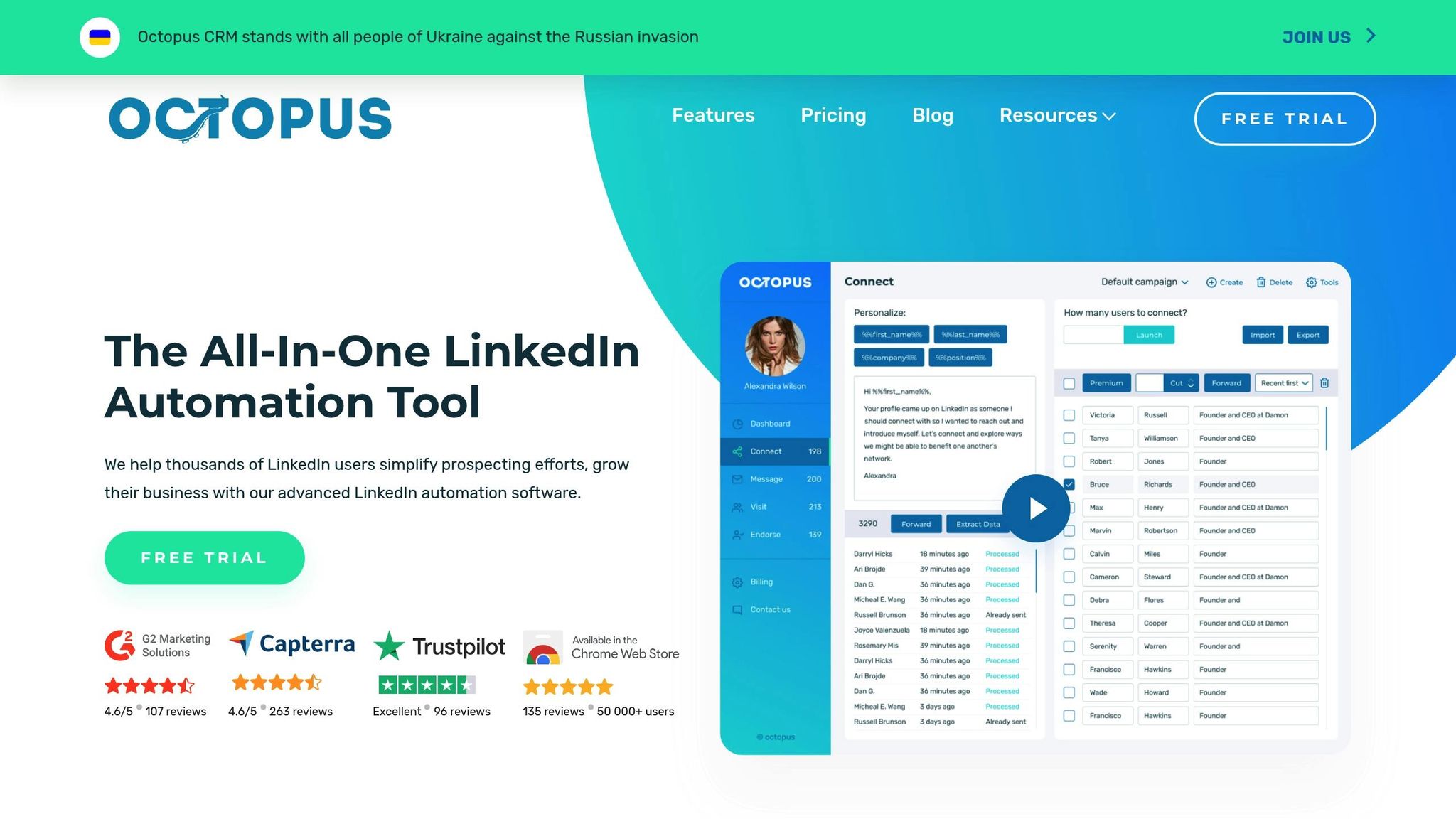
Octopus CRM is a browser extension designed to automate key LinkedIn tasks, making it easier to generate high-quality leads. By automating actions like connection requests, message sequences, and profile visits, it streamlines LinkedIn prospecting for sales and marketing teams.
Lead Generation Capabilities
Octopus CRM stands out with its ability to manage multiple LinkedIn prospecting campaigns at once. You can target potential leads through LinkedIn Sales Navigator searches, imported CSV files, or even manually selected profiles from LinkedIn groups and company pages. This multi-channel approach ensures flexibility in reaching your audience.
The platform also offers advanced campaign sequencing. For example, a campaign might start with a profile visit, followed by a connection request a few days later, then a welcome message once the connection is accepted. Additional follow-ups can be scheduled over weeks or months, creating a well-structured nurture flow.
To simplify communication, Octopus CRM includes a message inbox management system. This feature consolidates all your LinkedIn conversations into one dashboard, making it easier to monitor replies and manage multiple campaigns simultaneously.
Personalization Features
Octopus CRM excels in personalization. With its custom field features, you can tailor messages by inserting variables like the recipient's first name, company name, job title, or industry. This ensures that each interaction feels personal and relevant.
The tool also supports conditional messaging, allowing you to send different message variations based on specific prospect criteria. To further enhance authenticity, the smart delay system randomizes the timing of actions like connection requests and message sends. By mimicking natural behavior, this feature reduces the risk of detection by LinkedIn’s algorithms and improves the overall effectiveness of your outreach.
Safety and Compliance
Octopus CRM includes several safety measures to protect your LinkedIn account while running outreach campaigns. Daily and hourly activity limits can be adjusted based on factors like account age and usage history. For new accounts, this typically starts at 20-30 connection requests per day, gradually increasing as the account matures.
Other safety features include a weekend pause function, which halts campaigns during weekends when response rates are usually lower, and an account warm-up sequence for new users. These measures help establish a natural activity pattern, minimizing risks associated with excessive automation.
Integration Options
The platform integrates seamlessly with popular CRM tools like HubSpot, Salesforce, and Pipedrive, allowing you to sync prospect data and streamline your sales process. This makes it easy to manage leads and follow-ups directly within your existing workflows.
For added flexibility, Octopus CRM supports webhooks for custom integrations and allows users to export campaign data as CSV files for further analysis. It also connects with over 3,000 third-party apps through Zapier, making it a versatile tool for businesses of all sizes.
Pricing (USD/month)
Octopus CRM offers three main pricing tiers:
- Starter Plan: $9.99/month, includes basic automation and up to 1,000 pending invitations.
- Professional Plan: $14.99/month, adds advanced personalization and CRM integration.
- Advanced Plan: $39.99/month, includes team collaboration features, analytics, and priority support.
A 7-day free trial is available across all plans, giving you a chance to explore the platform before committing.
2. Dripify
Dripify takes LinkedIn outreach to the next level with its cloud-based automation platform, running campaigns around the clock. It's designed to simplify and enhance your LinkedIn lead generation efforts while ensuring a smooth user experience.
Lead Generation Capabilities
Dripify shines with its visual campaign builder, a drag-and-drop interface that allows you to create detailed, multi-step outreach sequences. These sequences can adapt based on a prospect's response, helping you engage with leads more effectively. For instance, if someone views your profile but doesn't connect, Dripify can automatically follow up.
The platform supports lead sourcing through LinkedIn Sales Navigator, LinkedIn searches, and CSV imports. What truly sets it apart is its ability to manage group messaging campaigns and event attendee outreach, making it ideal for connecting with niche communities or event participants.
A standout feature is Dripify's lead scoring system, which tracks how engaged prospects are with your campaigns. This helps you focus on the leads most likely to convert, saving time and boosting efficiency.
Personalization Features
Dripify offers robust personalization tools through its smart variables system, pulling LinkedIn data like recent posts, shared connections, and education. This enables you to craft highly tailored messages that resonate with each prospect.
The platform also supports A/B testing, allowing you to experiment with different message variations. It tracks which ones perform better and adjusts traffic to favor the winning options. You can test everything from subject lines to call-to-action phrases to optimize your outreach.
With conditional logic, Dripify lets you customize messages based on specific prospect traits. For example, outreach can vary depending on job title, company size, or industry, ensuring your messages feel relevant and personal.
Safety and Compliance
Dripify prioritizes account safety by simulating human-like activity patterns, including random delays between actions and varied activity times. It even pauses during typical offline hours to mimic natural usage.
For new accounts, Dripify offers account warm-up sequences, gradually increasing activity over several weeks. Daily connection request limits are adjustable based on account age and history, typically ranging from 50 to 100 requests per day for established accounts.
The platform also includes features like weekend and holiday pauses and custom schedules to align with your audience's time zones. If LinkedIn flags unusual activity, Dripify automatically pauses campaigns to protect your account.
Integration Options
Dripify seamlessly integrates with popular CRM platforms like Salesforce, HubSpot, and Pipedrive, ensuring your sales team has instant access to prospect data and engagement history.
It also supports webhook integrations for custom workflows and connects with over 2,000 third-party apps through Zapier. This allows you to automate tasks like adding leads to email sequences or creating to-dos in project management tools. For added flexibility, you can export campaign results and prospect data via CSV files for further analysis or use in other systems.
Dripify's analytics dashboards provide deep insights into campaign performance, including response rates and conversion metrics, helping you fine-tune your strategy.
Pricing (USD/month)
Dripify offers three pricing plans, with discounts for annual billing:
- Basic Plan: $59/month – Includes core automation features and up to 500 pending invitations.
- Pro Plan: $79/month – Adds advanced personalization, A/B testing, and CRM integrations.
- Advanced Plan: $99/month – Includes team collaboration, advanced analytics, and priority support.
All plans come with a 7-day free trial and a 14-day money-back guarantee. Discounts are available for educational institutions and nonprofits, making it accessible for a variety of users.
sbb-itb-8aac02d
Comparison: Strengths and Weaknesses
After diving into the detailed feature breakdowns, here's a comparison to help identify which tool aligns best with different operational needs. The table below highlights the main strengths and weaknesses of each tool, followed by a closer look at their suitability for various user profiles.
| Aspect | Octopus CRM | Dripify |
|---|---|---|
| Pricing | Strength: Starts at $9.99/month, making it budget-friendly | Weakness: Costs $59–$99/month, which may strain budgets for agencies |
| Ease of Use | Strength: Simple Chrome extension with a quick learning curve | Weakness: Requires moderate learning and setup time |
| Automation Depth | Weakness: Limited workflows and personalization options | Strength: Supports advanced campaigns with conditional logic and A/B testing |
| Platform Operation | Weakness: Runs only when the browser is open, potentially slowing performance | Strength: Cloud-based, operating 24/7 without browser dependency |
| Account Safety | Weakness: Relies on user management and risks exceeding LinkedIn limits | Mixed: Includes basic safety features but may struggle with larger campaigns |
| Customer Support | Weakness: Slow response times and no live chat or phone support | Strength: 24/7 live customer support available |
| Analytics | Weakness: Offers only basic metrics with limited insights | Strength: Comprehensive analytics with detailed conversion tracking |
Octopus CRM is a great choice for freelancers or small businesses on a tight budget. Its $9.99 starter plan and easy-to-use Chrome extension make it accessible for users who need basic automation without spending much. However, the platform's features can feel restrictive as needs grow, especially for those requiring more advanced workflows or personalization. Additionally, its reliance on manual handling for multi-step campaigns can be a drawback for users managing complex tasks.
On the other hand, Dripify is tailored for sales teams and agencies looking for more sophisticated automation. Its visual campaign builder, conditional logic, and cloud-based operation allow for advanced outreach strategies that adapt to prospect behavior. Dripify's automation runs around the clock, even when your computer is off, making it a reliable tool for high-volume campaigns. Users have reported impressive results, such as an 82% invite acceptance rate, a 91% message response rate, and an average of 9,000 leads per month with a 182% increase in close rates. However, the higher price tag may deter smaller teams or agencies with multiple accounts. Some users have also noted occasional slowdowns and challenges in managing multiple accounts due to the lack of automatic sender rotation.
Both tools face challenges when it comes to LinkedIn's strict policies, particularly during high-volume campaigns. Neither platform can fully guarantee protection against restrictions.
Ultimately, Octopus CRM is a solid option for those seeking affordable, straightforward automation, while Dripify justifies its higher cost with advanced features and analytics, making it a better fit for established teams and agencies.
Final Recommendations
Selecting the right LinkedIn automation tool comes down to matching your business goals and budget. Here's a quick breakdown to help you decide:
- Octopus CRM: Ideal for individual professionals or small businesses looking for a budget-friendly way to handle connection requests and follow-ups. However, as your outreach grows, you might find its simpler setup lacking more advanced capabilities.
- Dripify: A better fit for established sales teams or agencies managing larger prospect lists. It offers advanced features and in-depth analytics, making it great for dynamic and large-scale outreach campaigns.
Consider your current needs and long-term growth plans when making your choice. Always follow LinkedIn’s guidelines and focus on building meaningful connections rather than chasing numbers.
FAQs
How do Octopus CRM and Dripify stay compliant with LinkedIn's policies while using automation?
Octopus CRM and Dripify take LinkedIn account safety seriously by simulating natural user behavior when performing automated tasks. This strategy ensures their tools stay within LinkedIn's rules, avoiding any changes to the platform's HTML code or actions that might raise red flags.
By emphasizing realistic interaction patterns, these tools allow users to stay compliant while simplifying outreach and boosting lead generation efforts on LinkedIn.
How do the personalization features of Octopus CRM and Dripify compare?
Dripify shines with its extensive personalization capabilities, allowing users to tailor invitation notes and message templates using more than 15 different variables. On top of that, it includes A/B testing for connection requests and campaign messages, helping users refine and improve their outreach strategies effectively.
On the other hand, Octopus CRM offers basic personalization by utilizing standard LinkedIn variables. While it works well for straightforward outreach efforts, it doesn't provide the same level of customization that Dripify brings to the table.
How do I choose the right LinkedIn automation tool for my business and budget?
To choose the right LinkedIn automation tool for your business, start by defining your main objectives. Are you aiming to generate leads, expand your network, or simplify outreach efforts? Focus on a tool that matches these goals and provides the features you need without adding unnecessary complexity to your workflow.
Budget is another key factor. Free tools might have limited capabilities, while expensive ones aren’t always the best match for your needs. Look for a tool that offers a good balance between cost and functionality. If integrating with your CRM or marketing platforms is essential, make sure the tool supports those connections. Finally, consider how user-friendly the platform is. Whether you need something simple or a tool with more advanced features, choose one that aligns with your team’s experience and comfort level.